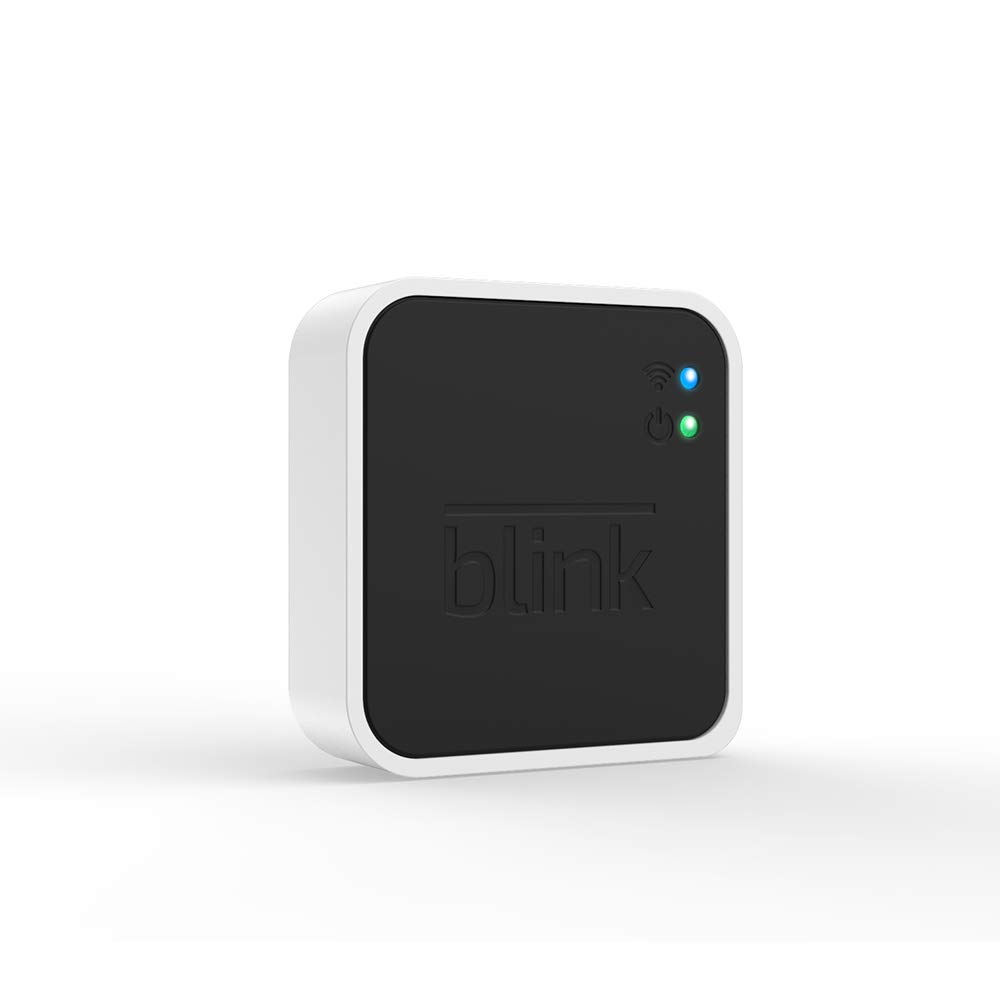
Yes, Blink works without a subscription. On supported setups, you keep live viewing, motion alerts, and two-way talk. To save new motion clips without paying for cloud storage, you need a compatible camera, a storage-capable Sync Module, and a drive or card.
My pick for a straightforward no-monthly-fee setup is Sync Module 2 plus a compatible USB drive. Sync Module XR uses microSD instead. Sync Module Core cannot do either. The names are similar enough to be annoying; the missing storage port is not a small detail.
Affiliate disclosure: As an Amazon Associate I earn from qualifying purchases. Shopping links may earn a commission. That does not change the recommendation.
| Feature | Core, no plan | Module 2 + USB, no plan | Compatible paid plan |
|---|---|---|---|
| Live view, basic alerts, two-way talk | Yes, on a properly configured supported camera | Yes | Yes |
| New saved motion clips | No | Yes, locally | Yes, in the cloud |
| Saving Live View sessions | No, for a typical new account | Not included in standard local recording | Supported with a compatible plan/device |
| Storage hardware | Core has no local-storage option | Module 2 and a separate USB drive | Local drive optional for eligible backups |
| Best fit | Answering events as they happen | Avoiding a recurring recording fee | Cloud history and included premium features |
This table addresses typical new-account setups, especially the linked second-generation doorbell. Older cameras and legacy accounts can behave differently. See Blink’s storage options and Blink’s general FAQ.
Sync Module Core vs Sync Module 2: the difference that matters
A Core bundle is enough to get a compatible doorbell connected. It is not enough to keep a no-fee video history. If your free cloud trial ends and you only have Core, do not assume yesterday’s recording features will continue.
Also, “no subscription” does not mean “no internet.” Blink still requires a working Wi-Fi internet connection for its system. Local storage describes where supported clips are kept; it does not turn the camera into an offline security recorder.
How to set up Blink local storage without a monthly fee
- Confirm the exact camera is supported. The Video Doorbell (2nd Gen) supports Module 2 local storage; do not apply that rule to every Blink model.
- Add the camera to the storage-capable module’s system. Owning a Module 2 somewhere in the house is not enough if the camera is paired to Core.
- Insert a supported Type-A USB drive into Module 2. Blink specifies 1–256 GB and at least 375 MB of free space. XR takes a supported microSD card instead.
- Check that the app recognizes the storage device. Arm the system, enable motion detection, trigger a test event, and confirm that a new clip plays.
- Check free space periodically. On the documented local-storage setup, recording stops when the drive fills.
Follow Blink’s local-storage setup instructions and Sync Module 2 FAQ. If a drive needs formatting, copy anything you want to keep first.
Local recording and cloud backup are not the same thing
With an active plan or trial, eligible clips can be backed up to your storage device daily. Those backups are viewed on a computer. Without a plan, supported local recordings can be accessed through the Blink app. That change in behavior explains why someone can plug in a drive and still feel as though the app has changed the rules.
Is a Blink subscription worth it?
It can be, if you want the cloud workflow or specific premium features. Compare Basic and Plus coverage for the number of cameras you own, then check the current price before subscribing. I would not buy a multi-camera plan just because it is the largest button on the screen.
For avoiding a recurring fee, buy the recording setup deliberately. My test is simple: after the trial, can I still play a newly recorded motion event? If you have not checked that, you have checked the shopping cart—not the system.
Bundle reminder: the doorbell link includes Core, not Module 2. A compatible storage module and USB drive are additional purchases.
How this comparison was made: This is a research-based buying guide using manufacturer documentation and the linked product listings, checked September 8, 2026. It is not a hands-on performance test. Product photos are manufacturer/listing images, not photographs of Honey’s installation. Specifications, bundles, and subscription terms can change.
Love,
Honey
Related reading: Blink vs Ring Doorbell · Blink vs Ring Floodlight Camera · Blink vs eufy E340 Doorbell
 Honey, Be Honest
Leave a comment