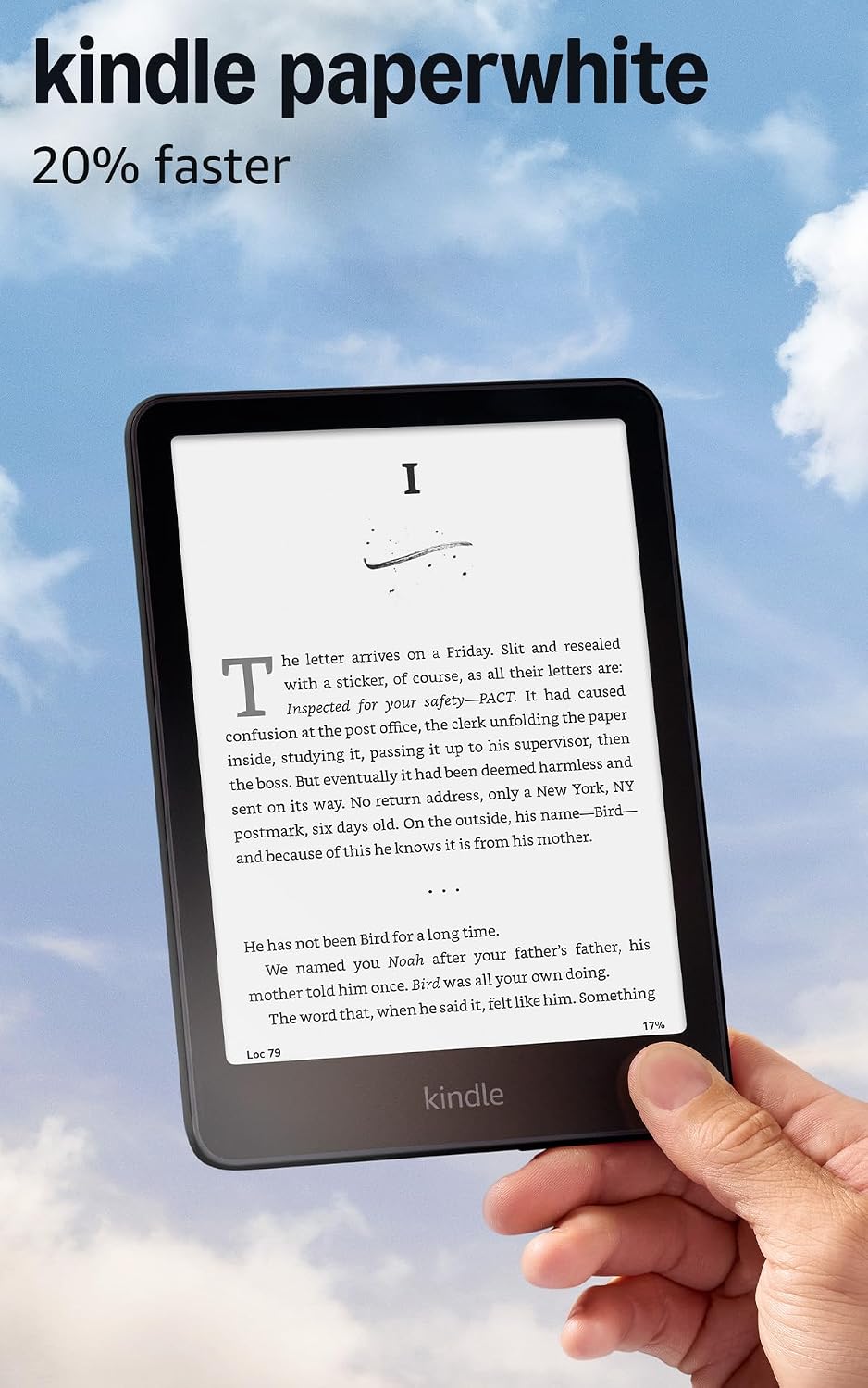
Honey’s verdict
Paperwhite is where I would spend my money.
The standard 16GB Kindle Paperwhite is my pick for regular reading. Its warm light and larger screen are useful upgrades. Choose the basic Kindle for the smaller size; pay for Signature when its extras have an actual job.
Buying a Kindle should be the easy part. You want to read a book without your phone informing you that somebody you barely know has purchased patio furniture.
Then you meet the models, storage options, editions and bundles. Suddenly buying a device to read quietly requires more tabs than planning a vacation. Here is where I would spend—and where I would stop.
Kindle vs. Paperwhite vs. Signature
| Model | The useful features | My pick for |
|---|---|---|
| Kindle Paperwhite · 16GB | 7-inch screen; adjustable warm light; waterproofing | Regular reading |
| Kindle · 16GB | Compact 6-inch screen; front light; dark mode | Smaller bags and simpler needs |
| Paperwhite Signature · 32GB | 7-inch screen; automatic brightness; wireless charging | People who will use the extras |
Standard Paperwhite: the sensible upgrade
The linked Paperwhite has a seven-inch glare-free display and an adjustable light that moves from white to amber. The warm-light option is the upgrade I would care about for evening reading.
It also has waterproofing, within Amazon’s stated limits and care instructions. That makes it worth considering if you read near the bath or pool. It does not mean the Kindle has volunteered to become pool equipment.
Amazon advertises up to 12 weeks of battery life under its test conditions. Your lighting, reading time and wireless use change that. The features—not an untested speed claim—are what earn it my vote.
Basic Kindle: small is a feature
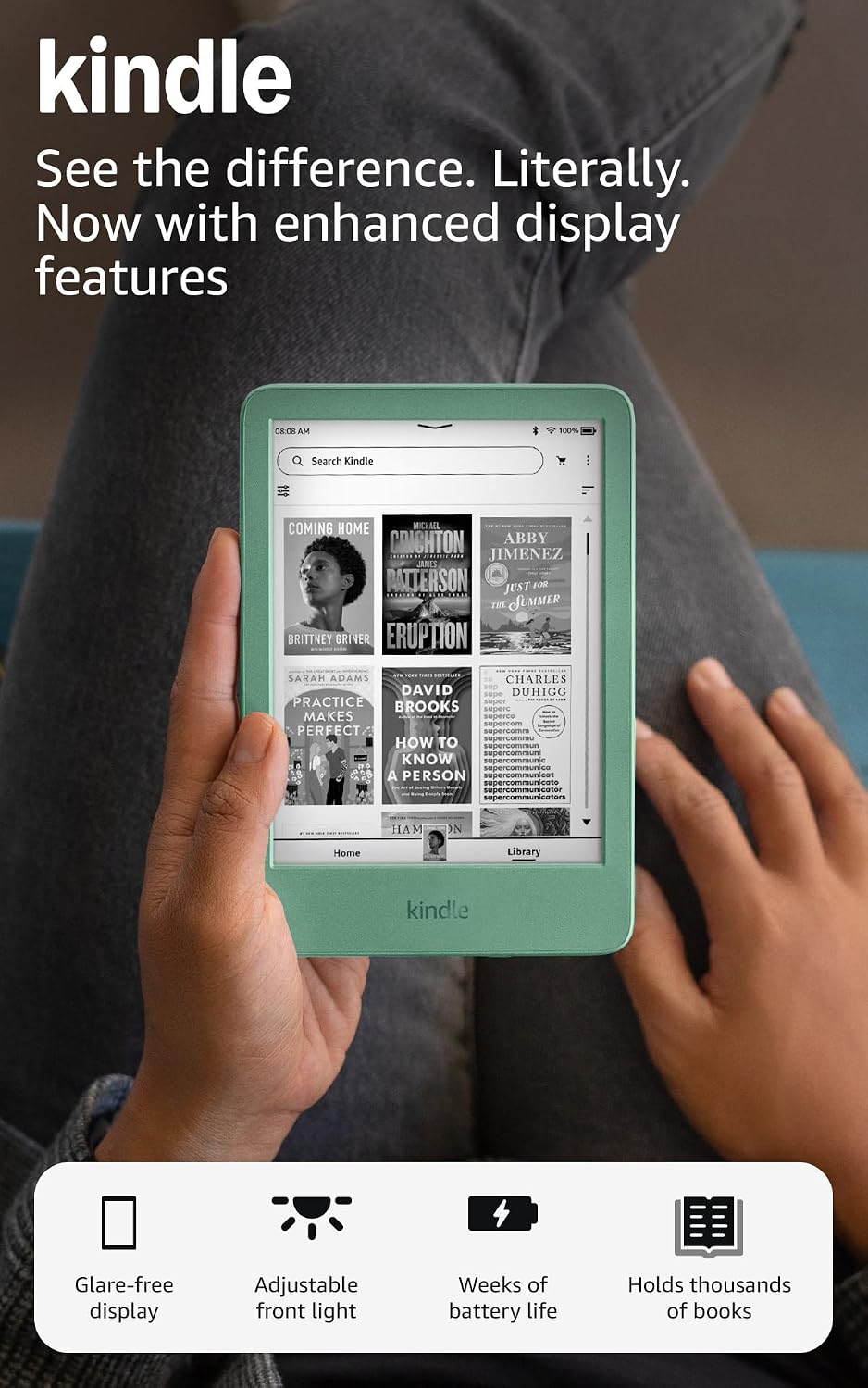
The standard Kindle has a six-inch screen, adjustable front light, dark mode and 16GB of storage. The linked color is Matcha, which is a lovely bonus if you wanted something besides another black rectangle.
Its smaller format is the reason to choose it. If the Kindle goes in your bag every day, compact can matter more than another inch of screen.
You give up Paperwhite’s warm-light feature and waterproofing. Amazon’s battery estimate is up to six weeks under specified conditions. If the simpler features already cover your reading habits, you do not need to invent a reason to upgrade.
You are buying somewhere to read a book. The book does not require the premium package.
Signature Edition: lovely extras, optional bill
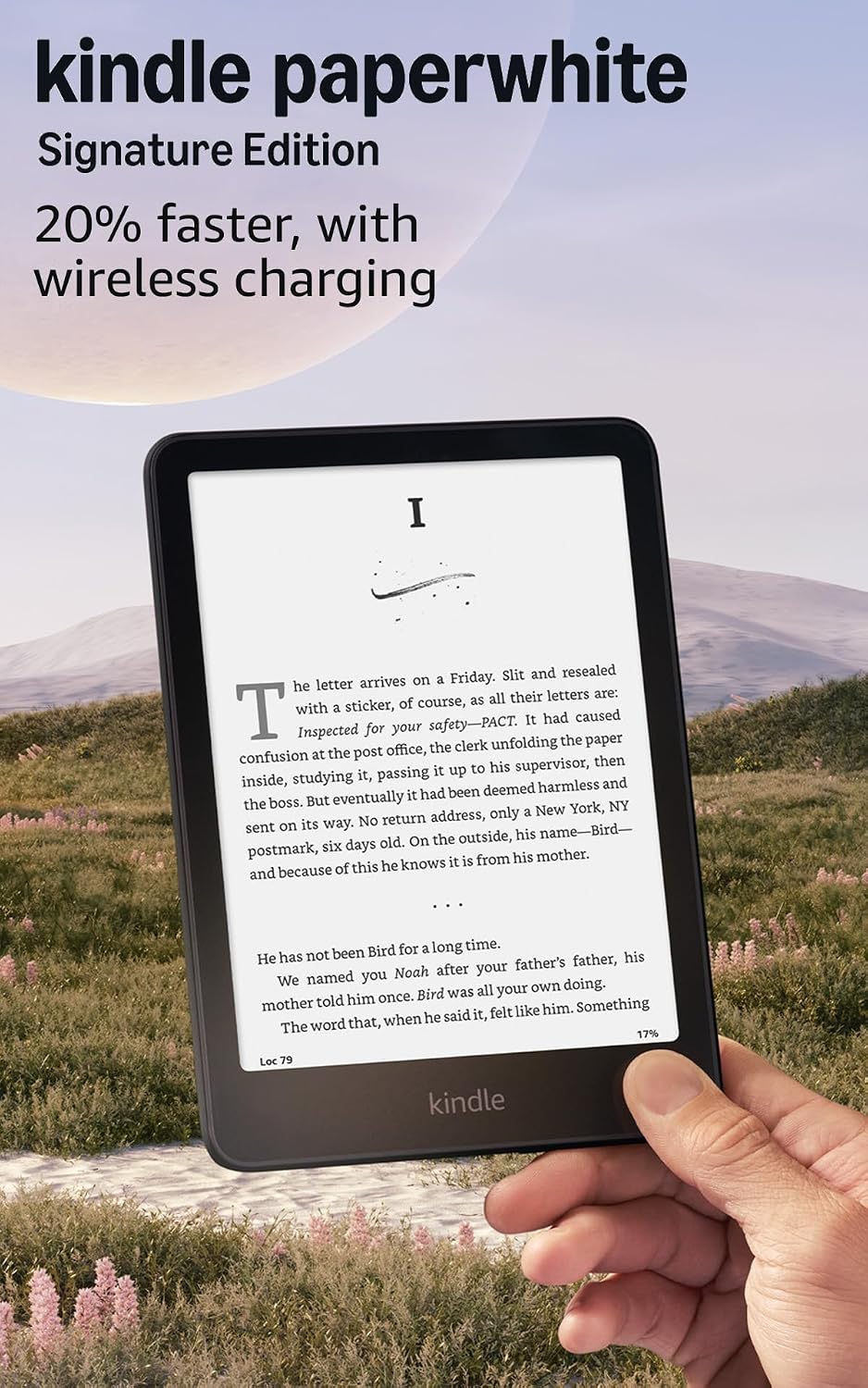
Signature keeps the seven-inch display and adds 32GB of storage, an auto-adjusting front light and wireless charging. Automatic brightness is appealing if you move between different lighting conditions and would rather let the device handle it.
Extra storage is more useful for a substantial offline collection, particularly larger files such as audiobooks. For ordinary ebooks, doubling storage should not be an automatic reason to spend more.
The wireless charging dock is sold separately. Include that in your comparison if wireless charging is the feature winning you over. If manual brightness and plugging in a USB-C cable do not bother you, the standard Paperwhite already handles the central job.
Do you need Kindle Unlimited?
No. Kindle Unlimited is an optional subscription to a selected catalog, not a requirement for using the device and not access to every book in the Kindle Store. You can buy books separately. Check any trial’s renewal terms before selecting it.
Also compare the selected offer’s condition, advertising option and included accessories. A Like-New device, a new device and a bundle can look similar in a shopping result while being different purchases.
My final answer
Paperwhite first. Signature only for a reason.
My overall pick is the standard Paperwhite. Choose the basic Kindle when compact size matters most. Choose Signature when automatic brightness, wireless charging or extra storage will be useful to you. Save the rest of your enthusiasm for a book you cannot put down.
Love, Honey.
I checked the boring stuff
This is a specification-based comparison of the exact linked models, not an HBH reading or battery test. Amazon’s specifications and product images checked September 9, 2026: Paperwhite, Kindle, Signature Edition.
 Honey, Be Honest
Leave a comment