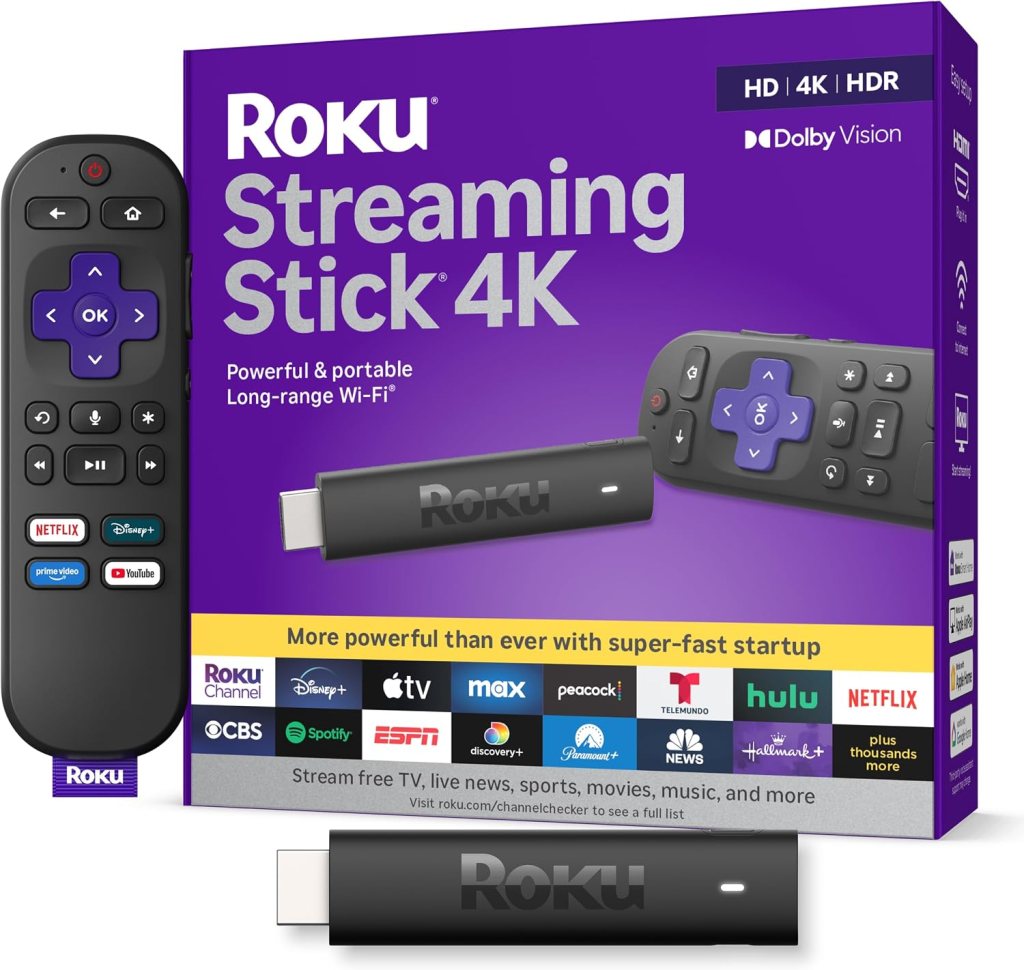
Honey’s verdict
For a straightforward 4K streaming setup, Roku Streaming Stick 4K gets my Amazing verdict. Fire TV Stick 4K Max is Good—and can be the better fit for an Alexa-heavy household. Fire TV Stick 4K Select is Mid for an upgrade enthusiast, but worth a look for a basic second TV when its price is substantially lower.
How I chose: I compared the linked models, specifications and practical trade-offs. These are buying opinions, not hands-on test scores. Listings checked September 8–9, 2026; offers can change.
As an Amazon Associate I earn from qualifying purchases. Affiliate links may earn me a commission at no extra cost to you.
| Verdict / product | Why consider it | The catch |
|---|---|---|
| Amazing Check Roku Streaming Stick 4K on Amazon | 4K, Dolby Vision and TV-control remote | Check your essential apps |
| Good Check Fire TV Stick 4K Max on Amazon | Dolby Vision, Wi-Fi 6E and 16 GB | Extra capability may be unnecessary |
| Mid Check Fire TV Stick 4K Select on Amazon | 4K with HDR10+ | Basic feature package in this comparison |
Amazing: Roku Streaming Stick 4K — My pick for the straightforward streaming brief
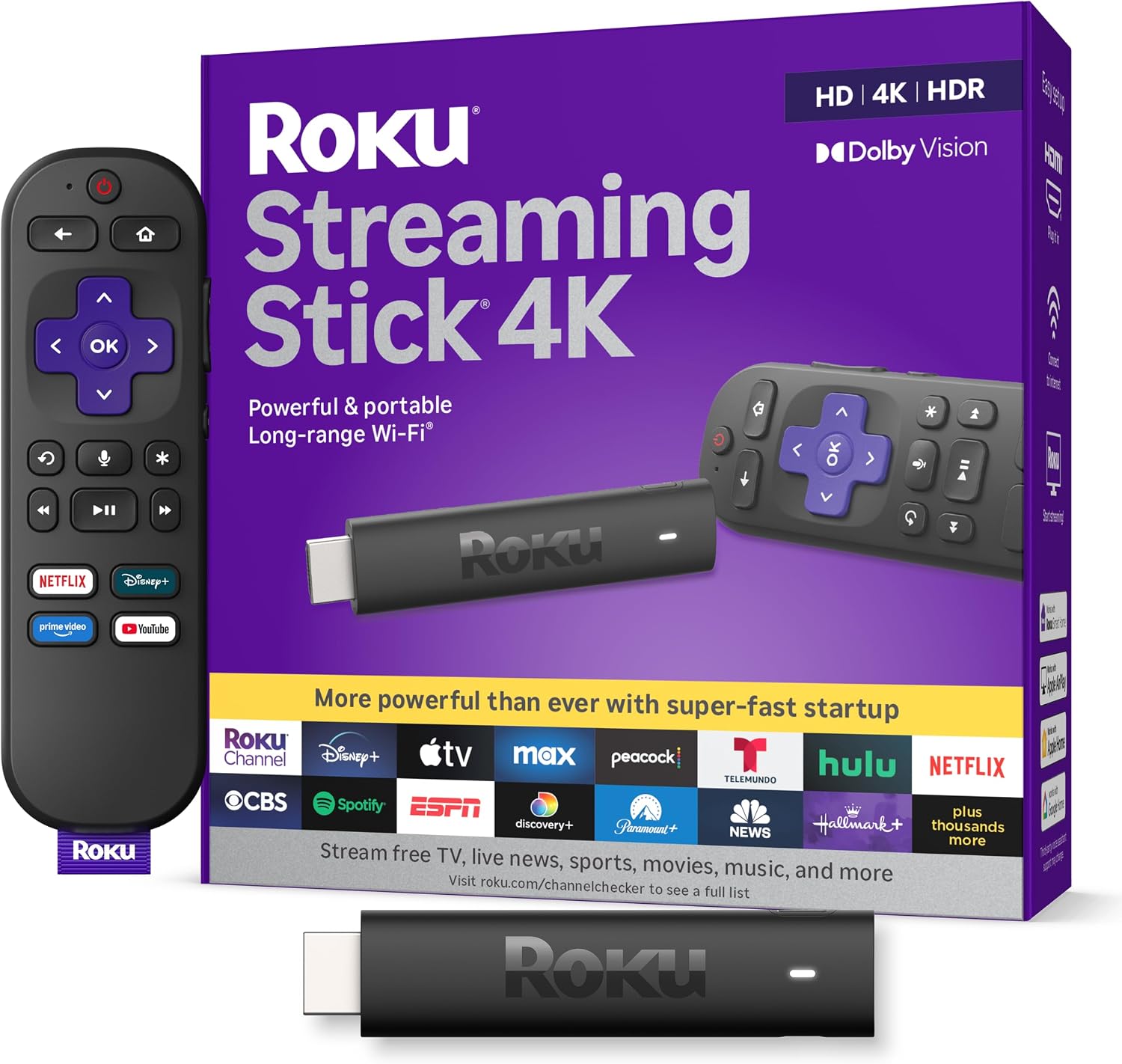
Roku Streaming Stick 4K lists Dolby Vision, HDR10+, a long-range Wi-Fi receiver and a voice remote that can control compatible TV power and volume. The appeal is a clear everyday assignment: connect a TV to the streaming services you actually watch.
Roku documents an app-focused home screen, which is why I favor it for this use. That is an editorial preference, not a stopwatch test of interface speed. Before buying, verify your must-have apps for your country and remember that paid subscriptions remain separate.
Check Roku Streaming Stick 4K on Amazon
Good: Fire TV Stick 4K Max — The stronger match for someone who wants the extras
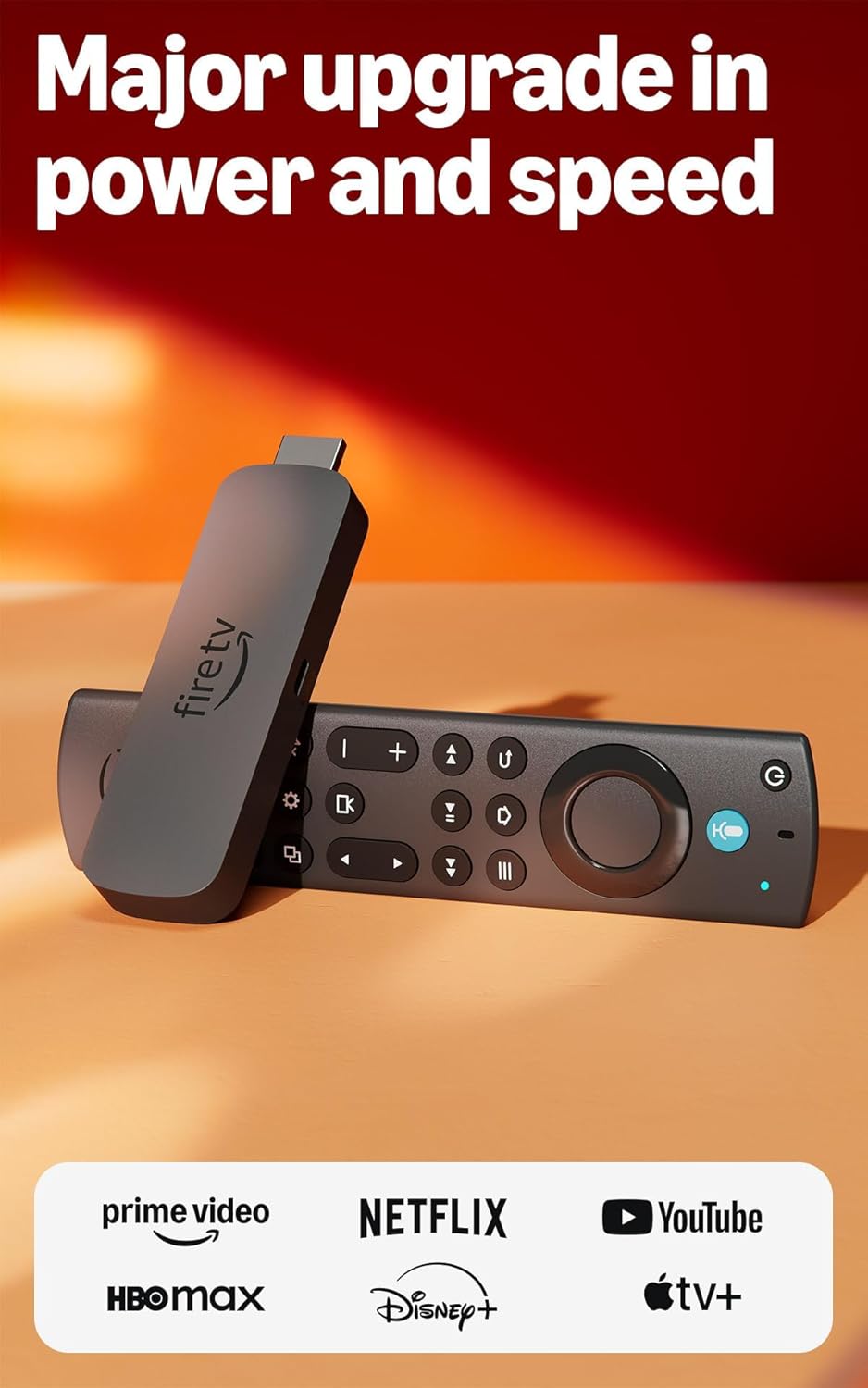
Fire TV Stick 4K Max lists Dolby Vision, HDR10+, Dolby Atmos support, Wi-Fi 6E and 16 GB of storage. Those are meaningful features if your TV, audio setup and home network can use them. Its Ambient Experience also offers artwork for the screen between shows.
This is the option I would consider first for an Alexa-centered setup or interest in supported cloud gaming. Amazon’s listing specifies a separate subscription and compatible controller for Xbox cloud gaming. The stick is not a free gaming library, and Wi-Fi 6E is not an automatic cure for poor internet service.
Check Fire TV Stick 4K Max on Amazon
Mid: Fire TV Stick 4K Select — The basic-TV case makes more sense than the upgrade case
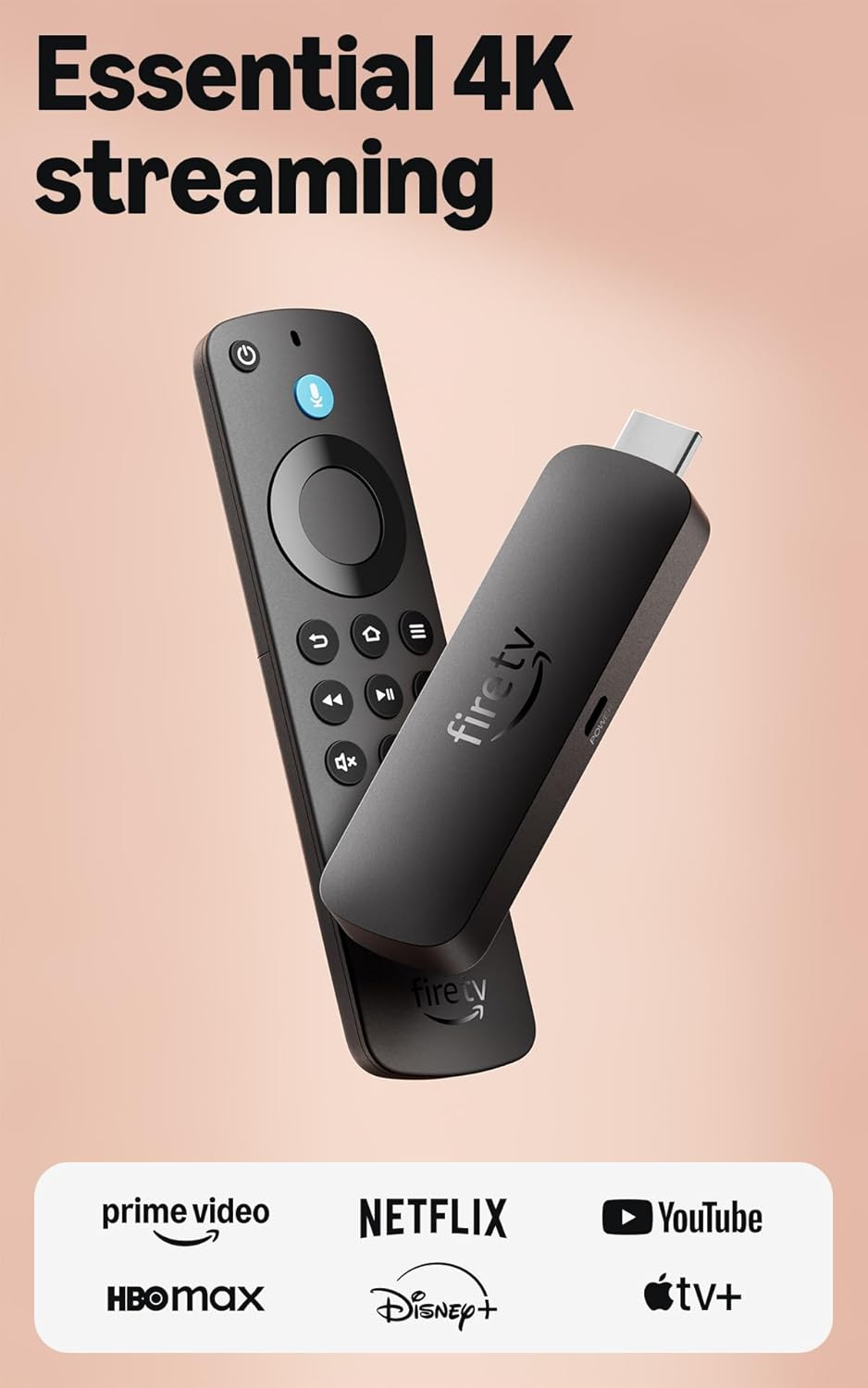
Fire TV Stick 4K Select advertises 4K with HDR10+ and Alexa search. That can be enough for someone replacing a slow TV interface or adding streaming to a guest-room television. My Mid verdict reflects the simpler package against the Max’s advertised extras.
Do not assume that every product with 4K in its name has the same HDR support, storage or app capabilities. Check the Select listing against your exact needs and compare the real checkout prices. If the Max costs only a little more and you want its extra features, the upgrade is easier to defend.
Check Fire TV Stick 4K Select on Amazon
Will a 4K streaming stick make every show look like 4K?
No. Your TV, the content, service plan, connection and relevant format support all matter. A 1080p show does not gain native 4K detail because the stick’s box says 4K. Likewise, free ad-supported channels do not make Netflix or every other paid service free. Start with your television and subscriptions, then choose the device that fits.
Roku gets my simple-streaming vote. Max gets more interesting when its extras have a real use. Select belongs on the shortlist when the savings matter more than the upgrade checklist.
Sources: Roku Streaming Stick 4K listing and specifications; Fire TV Stick 4K Max listing and specifications; Fire TV Stick 4K Select listing and specifications. Roku Streaming Stick 4K specifications.
Love,
Honey
Already settled on Fire TV? Compare the Max, Plus and HD models.
 Honey, Be Honest
Leave a comment