
The flash drive I would choose for everyday USB-A storage is the SanDisk Ultra Flair 128GB. It is my research-based pick for ordinary photos and documents: useful capacity, a compact metal body, and a refreshingly simple assignment. Save the files. Bring them back. Do not turn Tuesday into a recovery mission. See the Ultra Flair on Amazon.
Honey, the best flash drive for photos and videos is the one that fits your devices and your files. For a compatible USB-C phone and a USB-A computer, I would choose the SanDisk Ultra Dual Drive Go. For frequent large video transfers, I would compare the SanDisk Extreme PRO SDCZ880. One winner cannot do every job just because the packaging has excellent confidence.
Jump to: quick picks · 10-drive comparison · 5-packs · photo chart · video chart · USB help
The 99% progress bar and my rapidly declining patience
Picture this: I arrive with the family slideshow, feeling suspiciously organized. The folder is called FINAL_final_ACTUALFINAL_2, which is apparently the international symbol for “we have lost control of this project.” I plug in the drive. The progress bar reaches 99%. Then it starts looking for a place to retire.
That imagined little disaster is why I care about dependable file storage. Those are family photos, finished projects, and hours I would prefer not to spend again. I want enough room, the right plug, and a second copy somewhere else. My files need transportation. They do not need a character arc.
My quick picks: choose the job before the jargon
- Everyday computer files: SanDisk Ultra Flair 128GB — my straightforward USB-A starting point.
- Compatible phone + computer: SanDisk Ultra Dual Drive Go 128GB — USB-C and USB-A on one stick.
- Keyring carry: Samsung BAR Plus 128GB — metal body and an integrated loop.
- USB-C devices: Samsung Type-C 128GB — for an all-USB-C setup.
- Minimal protrusion: Samsung FIT Plus 128GB — a low-profile USB-A option.
- Big video transfers: SanDisk Extreme PRO 256GB, SDCZ880 — compare its write specification.
- Five photo handoffs: PNY Turbo Attaché 3 64GB five-pack — separate drives for separate people.
10 flash drives compared: which one earns a place in your bag?
These are ten researched options, organized by use rather than Amazon sales rank. The useful differences are the connector, capacity, physical size, and write performance. Read speed gets the glamorous number on the package. Write speed does the work while you are trying to leave the house.
1. SanDisk Ultra Flair 128GB — Everyday USB-A pick
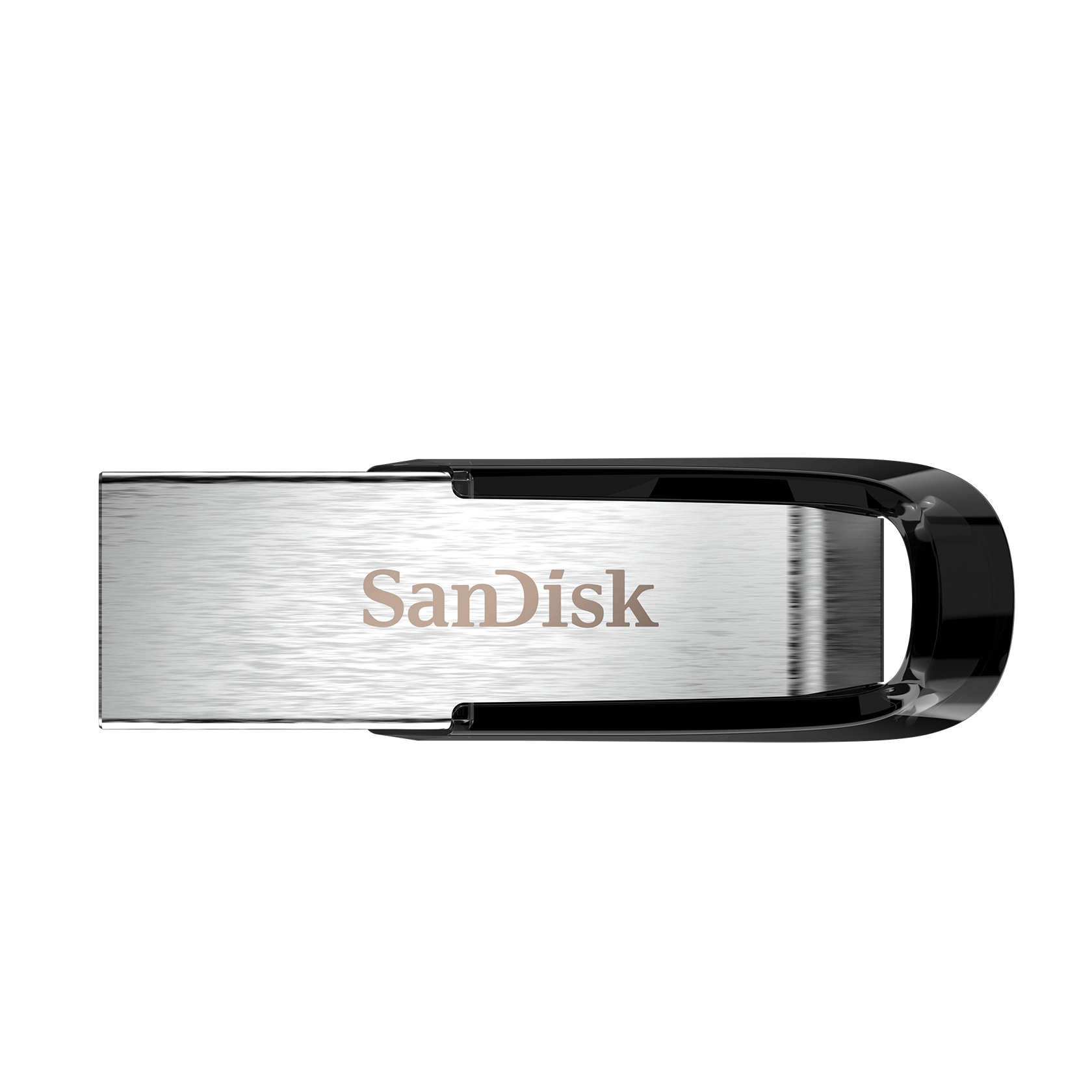
Buy it if: You need a straightforward drive for documents, photo handoffs, and ordinary computer-to-computer jobs.
Speed reality: Up to 150 MB/s read. The advertised 150 MB/s is read speed. It does not promise that your entire photo folder writes at that speed.
Skip it if: Your laptop only has USB-C, or you regularly write huge video folders. Choose the connector first; shiny metal cannot negotiate with the wrong port.
Check SanDisk Ultra Flair 128GB on Amazon →
2. SanDisk Ultra Dual Drive Go 128GB — Phone-to-computer pick
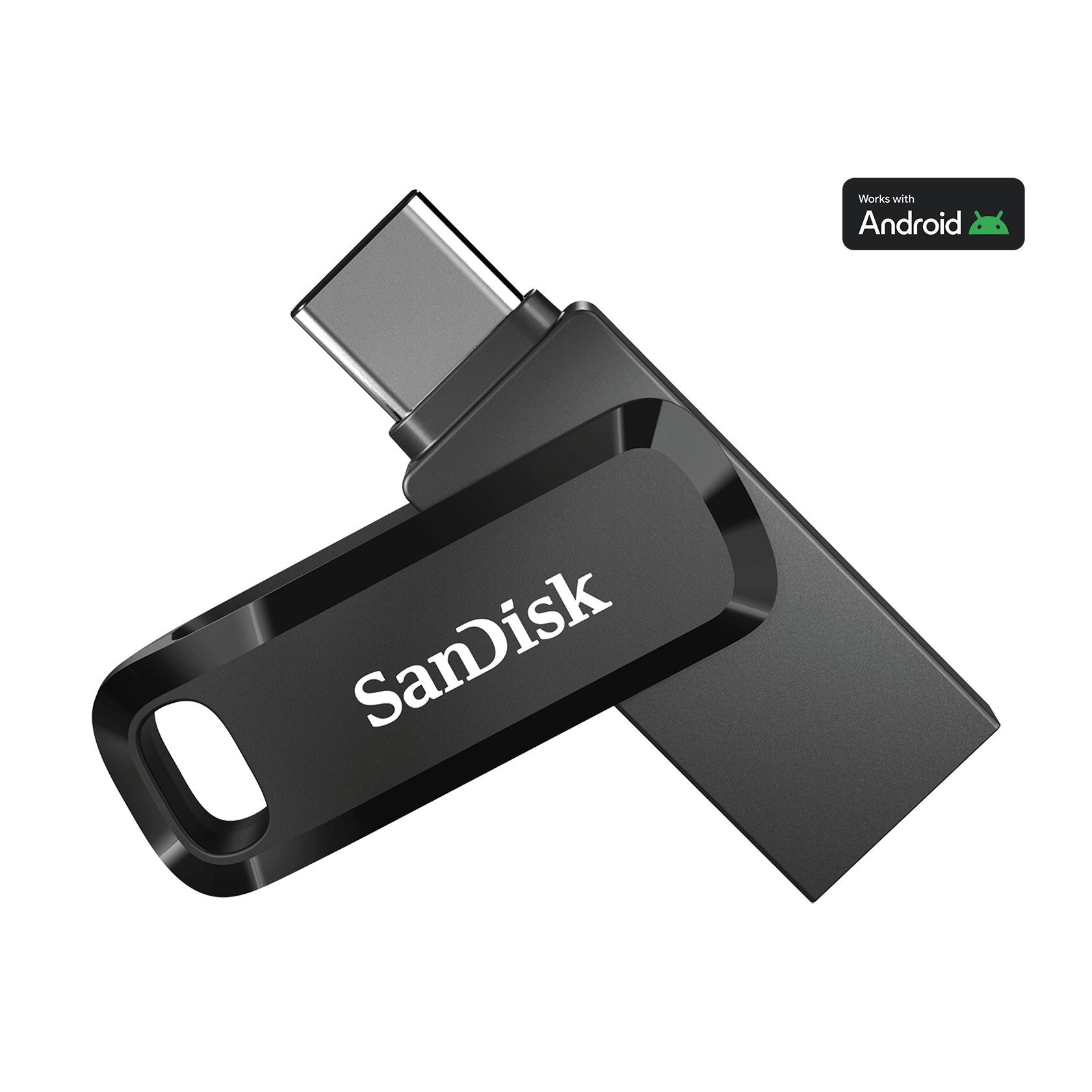
Buy it if: You move photos between compatible USB-C devices and an older USB-A computer. Two connectors can save an adapter hunt.
Speed reality: Up to 400 MB/s read on the current 128GB version. Check the exact generation: older listings can advertise 150 MB/s. USB-C phone support, file access, and case clearance still matter.
Skip it if: You have a Lightning iPhone, or your phone does not support external USB storage. Check compatibility and case clearance before buying.
Check SanDisk Ultra Dual Drive Go 128GB on Amazon →
3. Samsung BAR Plus 128GB — Keyring pick
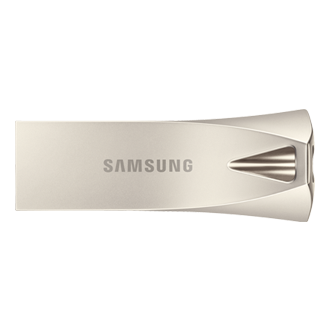
Buy it if: You want a metal USB-A drive with a loop for carrying on your keys. It is easier to keep track of than a loose stick performing an escape act in your purse.
Speed reality: Up to 400 MB/s read for the referenced 128GB version; write speed is lower. A premium read figure does not make every capacity equally fast.
Skip it if: You want a drive that sits nearly flush in a laptop. The FIT Plus is the more compact shape.
Check Samsung BAR Plus 128GB on Amazon →
4. Samsung Type-C 128GB — USB-C-only pick
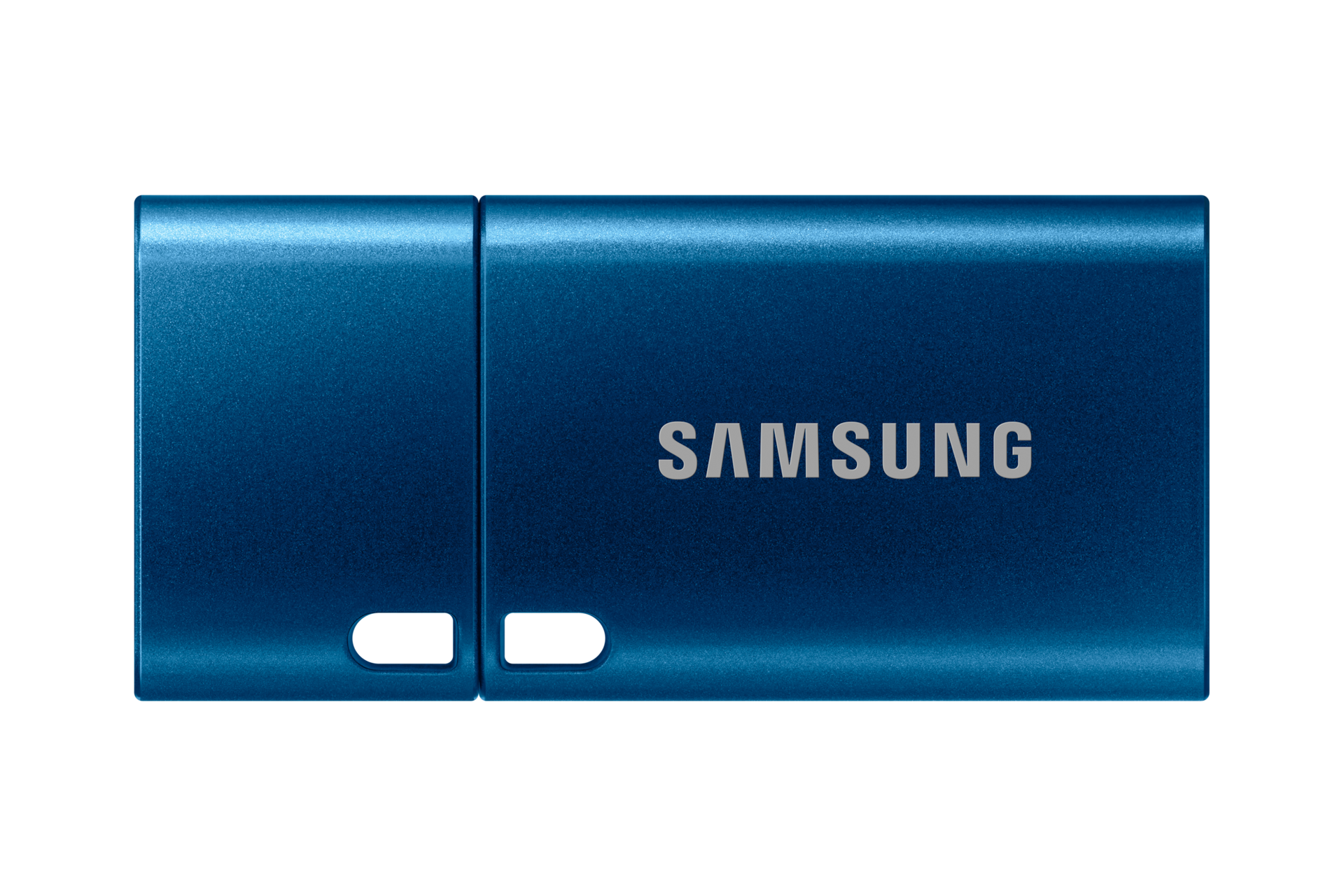
Buy it if: Your laptop, tablet, and compatible phone all use USB-C. One connector type keeps the setup simple.
Speed reality: Up to 400 MB/s read. It has one connector type. Older USB-A computers need a compatible adapter; a USB-C port alone does not guarantee phone support.
Skip it if: You regularly share files with USB-A computers. The Dual Drive Go gives you both plugs without another adapter.
Check Samsung Type-C 128GB on Amazon →
5. Samsung FIT Plus 128GB — Low-profile pick
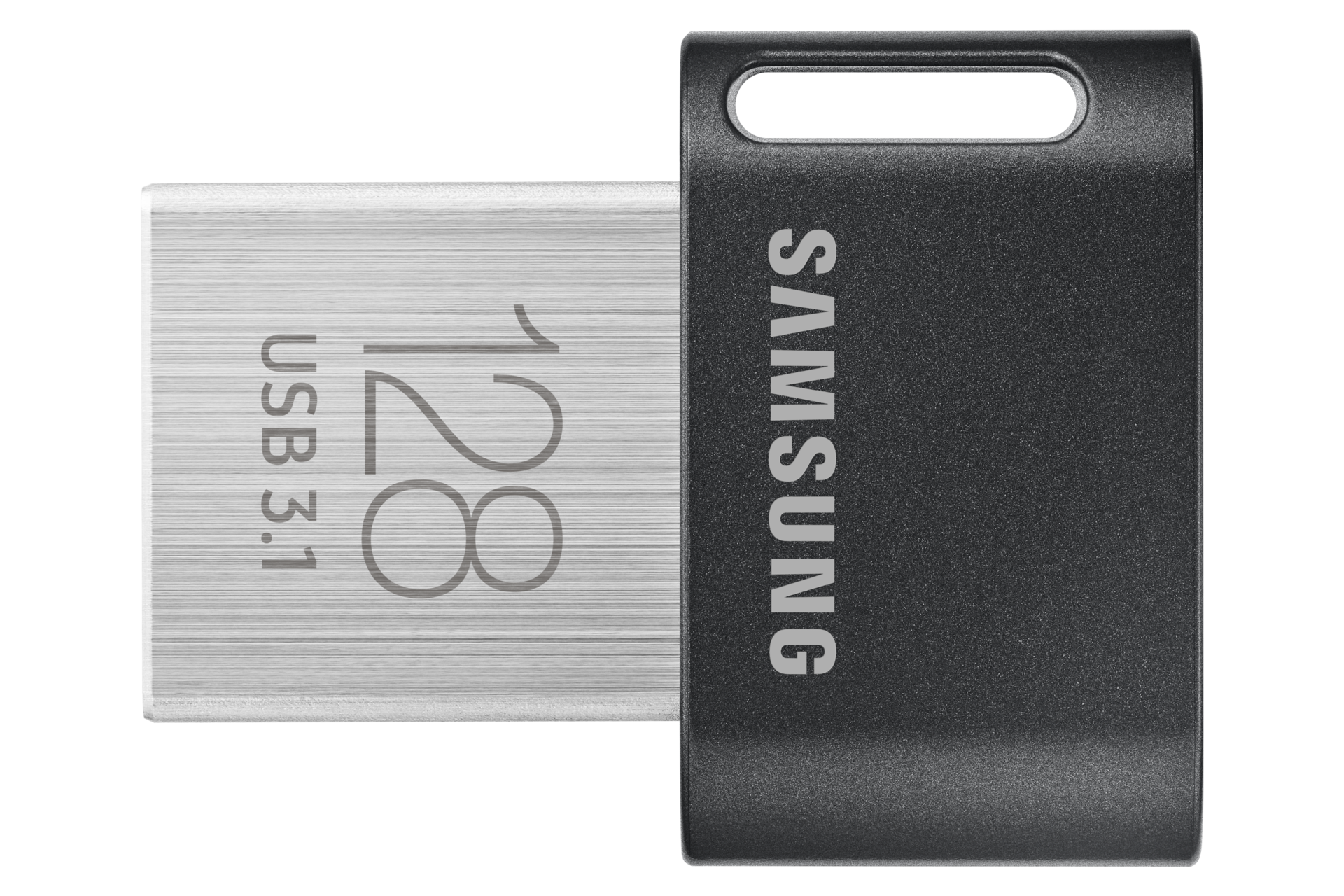
Buy it if: You need USB-A storage that barely sticks out of a compatible device.
Speed reality: Up to 400 MB/s read. Small means easier to overlook or lose. Check device support before using it with a car stereo or television.
Skip it if: You constantly pass a drive between people. Tiny is convenient until it goes undercover between the sofa cushions.
Check Samsung FIT Plus 128GB on Amazon →
6. SanDisk Ultra Fit 128GB — Compact alternative
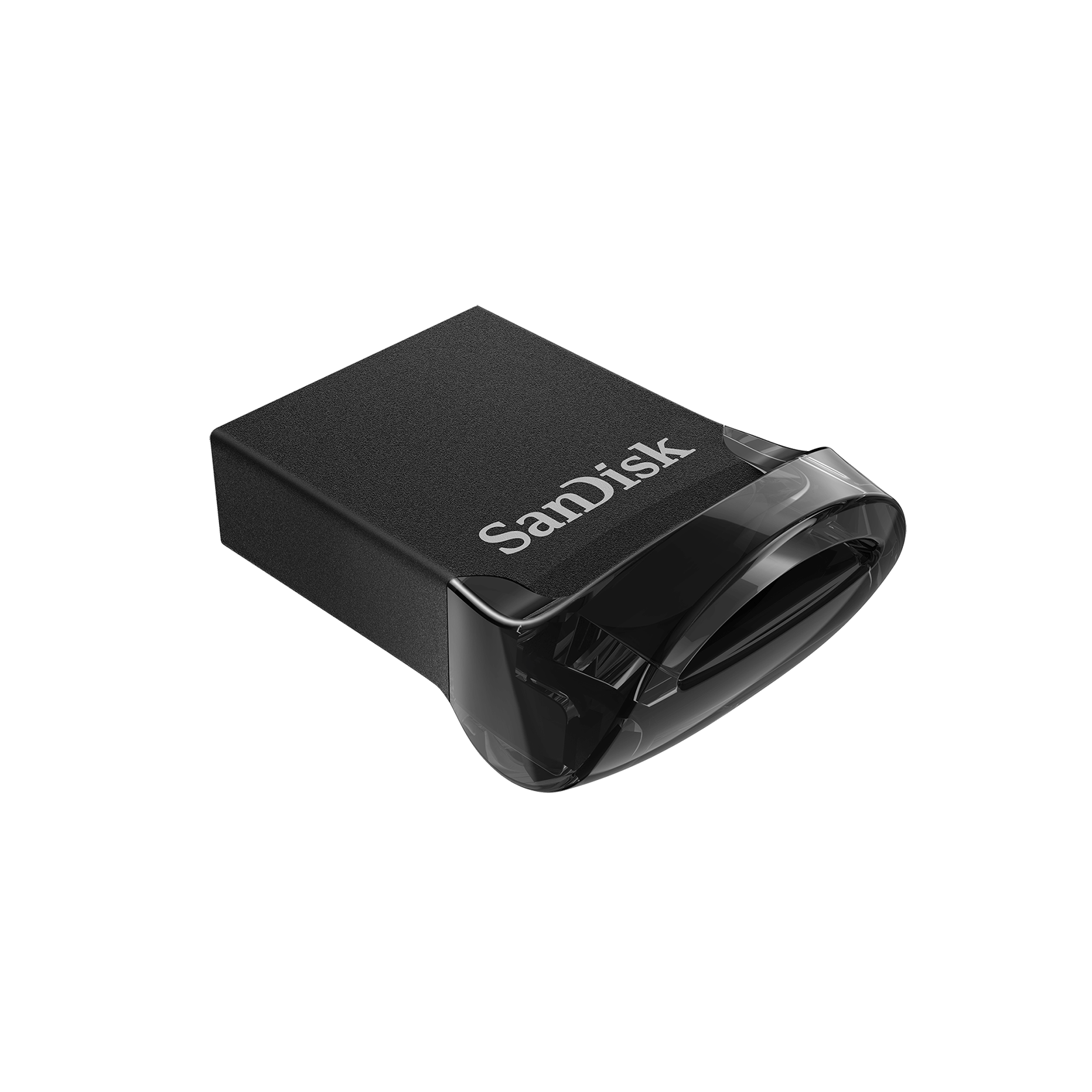
Buy it if: You want another small USB-A option to compare against the FIT Plus on exact model, price, and seller.
Speed reality: Up to 400 MB/s read on the current version. Older versions have lower advertised speeds. Current product-family specifications do not automatically describe old stock.
Skip it if: The listing does not clearly identify the version. Older Ultra Fit stock can have a much lower advertised speed.
Check SanDisk Ultra Fit 128GB on Amazon →
7. SanDisk Extreme PRO USB 3.2 256GB SDCZ880 — Large-file pick
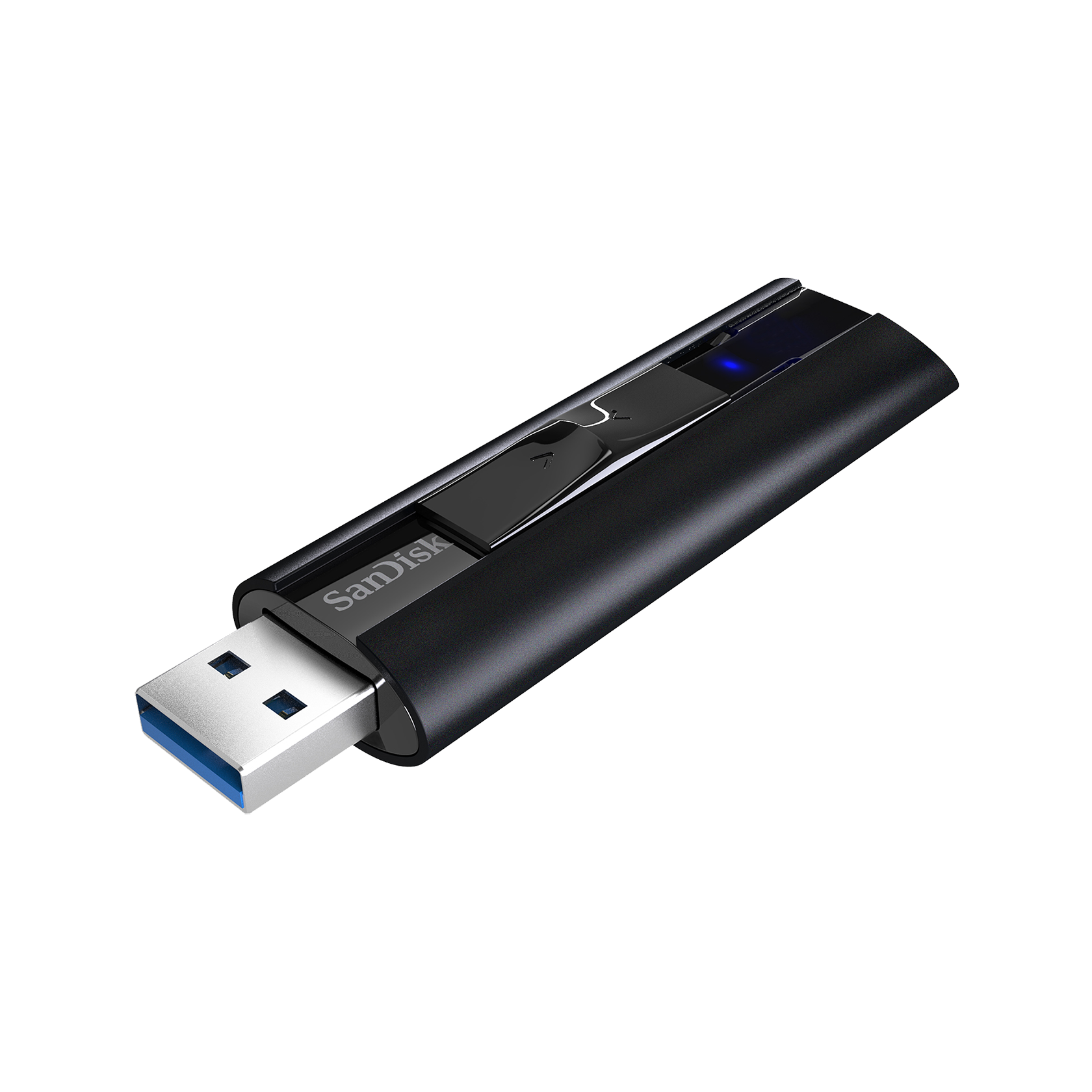
Buy it if: You regularly copy big video files and care about write performance as well as read speed.
Speed reality: Up to 420 MB/s read; up to 380 MB/s write. Larger and usually more expensive. This SDCZ880 model is distinct from the newer Extreme PRO Dual Drive and USB-C models.
Skip it if: You mostly carry PDFs or need USB-C. Check the SDCZ880 model name; other Extreme PRO drives have different connectors and specifications.
Check SanDisk Extreme PRO USB 3.2 256GB SDCZ880 on Amazon →
8. PNY Turbo Attaché 3 128GB — Sliding-cover pick
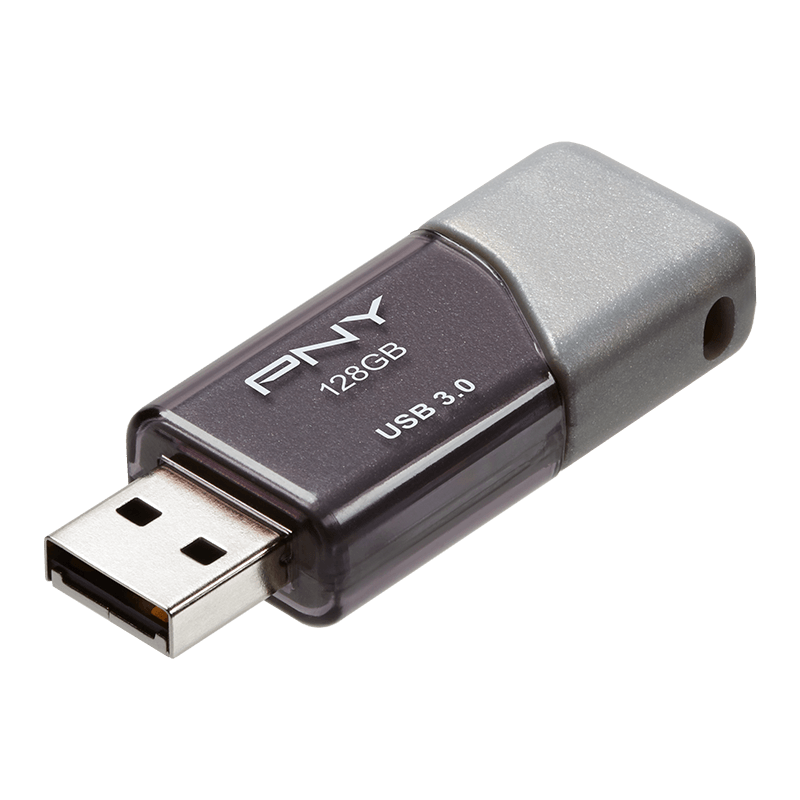
Buy it if: You want a USB-A drive with a sliding collar and no separate cap to misplace.
Speed reality: USB 3.0, with slower performance on a USB 2.0 port. PNY does not give a fixed MB/s write promise in the referenced specification.
Skip it if: You need a guaranteed sustained write speed. A USB 3.0 label describes the connection, not the time it will take to save your entire photo library.
Check PNY Turbo Attaché 3 128GB on Amazon →
9. Kingston DataTraveler Exodia 128GB DTX — School-and-work pick

Buy it if: You want a basic USB-A drive for documents and everyday handoffs, with a cap and a large loop for a label or keyring.
Speed reality: USB 3.2 Gen 1. Kingston does not list a fixed MB/s transfer figure on the referenced product page.
Skip it if: Your main goal is high write speed. The interface name alone does not establish it; Exodia, Exodia M, and Exodia Onyx are different products.
Check Kingston DataTraveler Exodia 128GB DTX on Amazon →
10. SanDisk Cruzer Glide USB 2.0 128GB SDCZ60 — Small-file pick
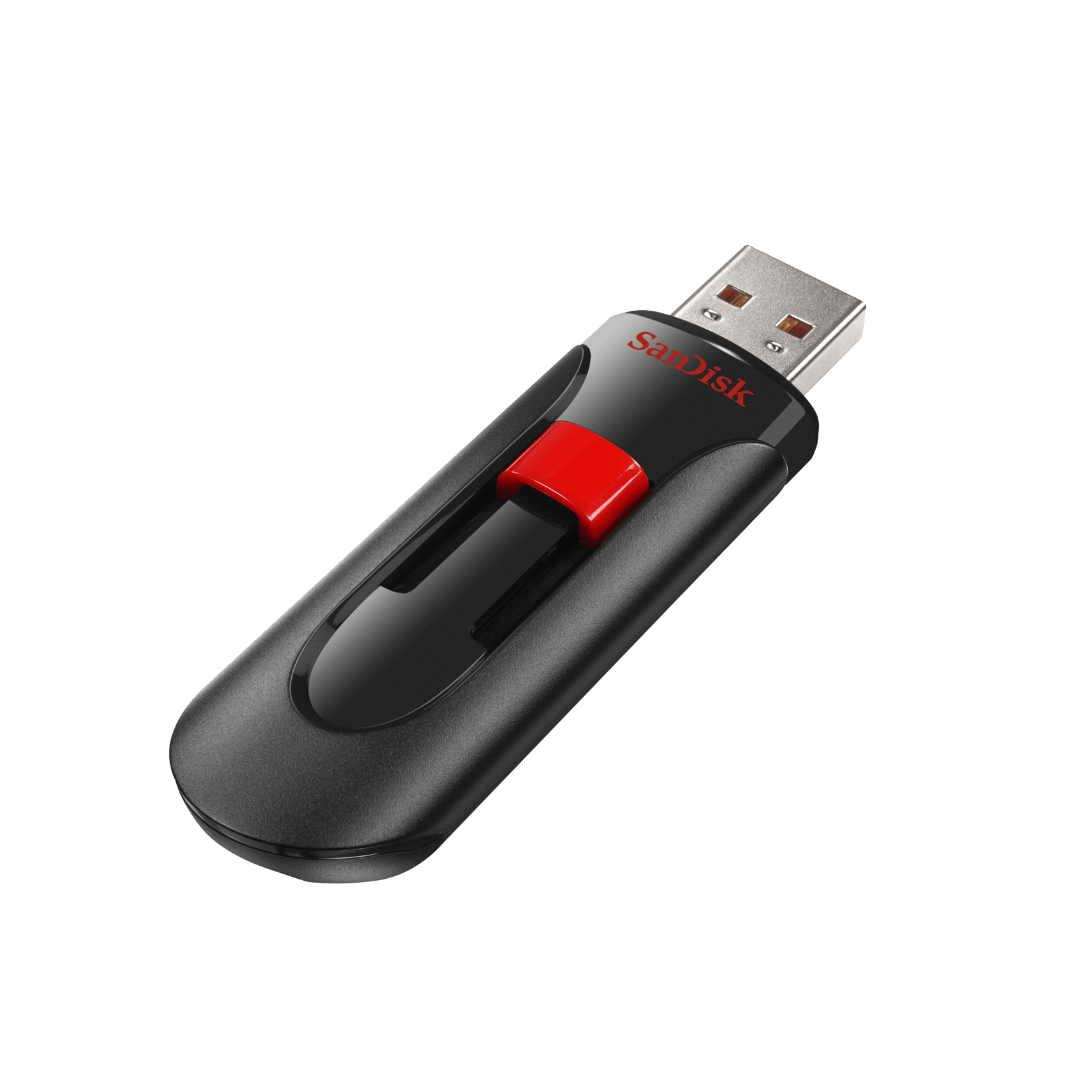
Buy it if: You transfer modest files occasionally and the exact listing offers worthwhile savings.
Speed reality: USB 2.0. I would skip USB 2.0 for repeated large video transfers. The USB 3.0 Cruzer Glide is a different version.
Skip it if: You move large photo or video folders often. USB 2.0 is where a quick errand can become a relationship with a progress bar.
Check SanDisk Cruzer Glide USB 2.0 128GB SDCZ60 on Amazon →
Best 5-pack of flash drives: one bundle, five actual jobs
My first comparison would be the PNY Turbo Attaché 3 64GB five-pack. It combines USB 3.0 with more space per person than the smaller bundles below. For PDFs and small projects, a lower-capacity USB 2.0 pack may be enough. Buy for the folder you are handing over, not the largest number you can acquire before lunch.
The multipack math: five 32GB drives mean five separate 32GB storage spaces. They do not become one 160GB drive. A single 100GB file still will not fit. Apparently the sticks have not agreed to carpool.
1. PNY Turbo Attaché 3 64GB 5 pack
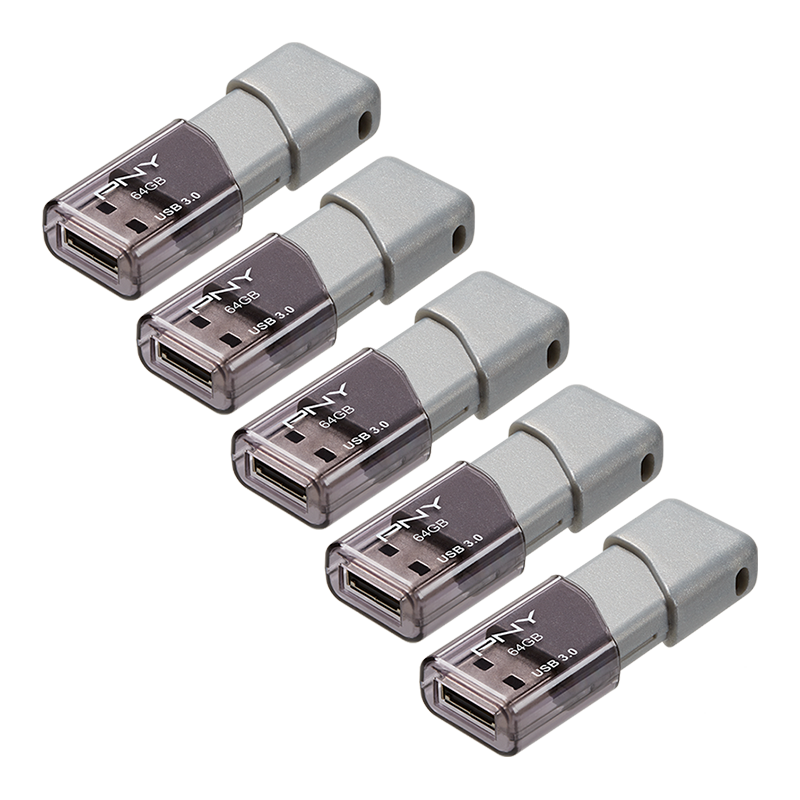
64GB each · USB-A · USB 3.0. My first choice to compare for larger photo handoffs. Look for P-FD64GX5TBOP-MP. You get more space per recipient, but still need to check the exact listing and seller.
Compare this five-pack on Amazon →
2. PNY Turbo Attaché 3 32GB 5 pack
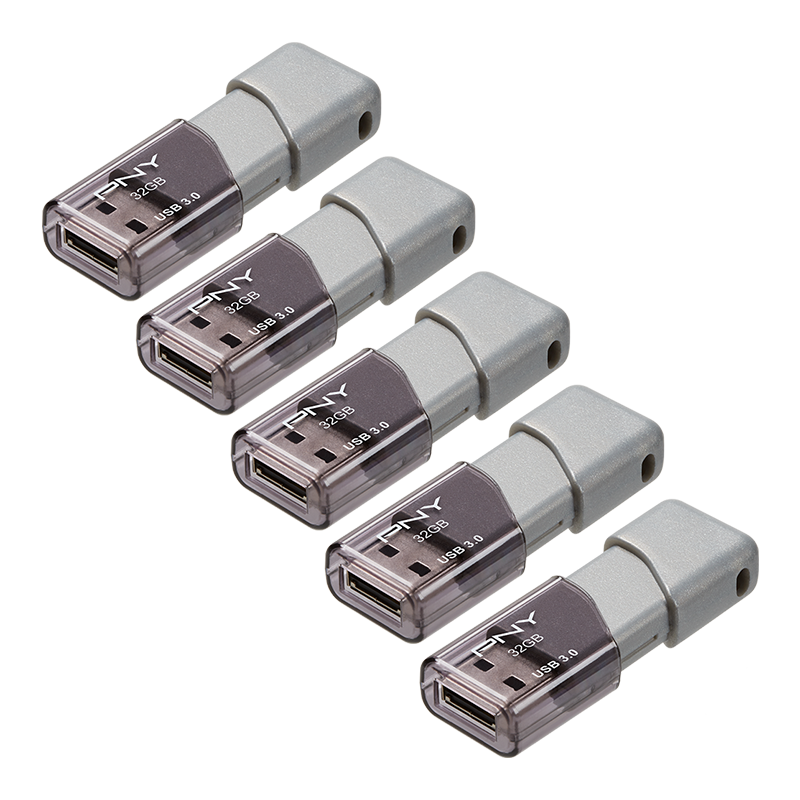
32GB each · USB-A · USB 3.0. Compare this with the 64GB bundle when every folder comfortably fits on 32GB. Look for P-FD32GX5TBOP-MP. The smaller option only wins on value if the actual pack price makes sense.
Compare this five-pack on Amazon →
3. PNY Attaché 4 32GB 5 pack
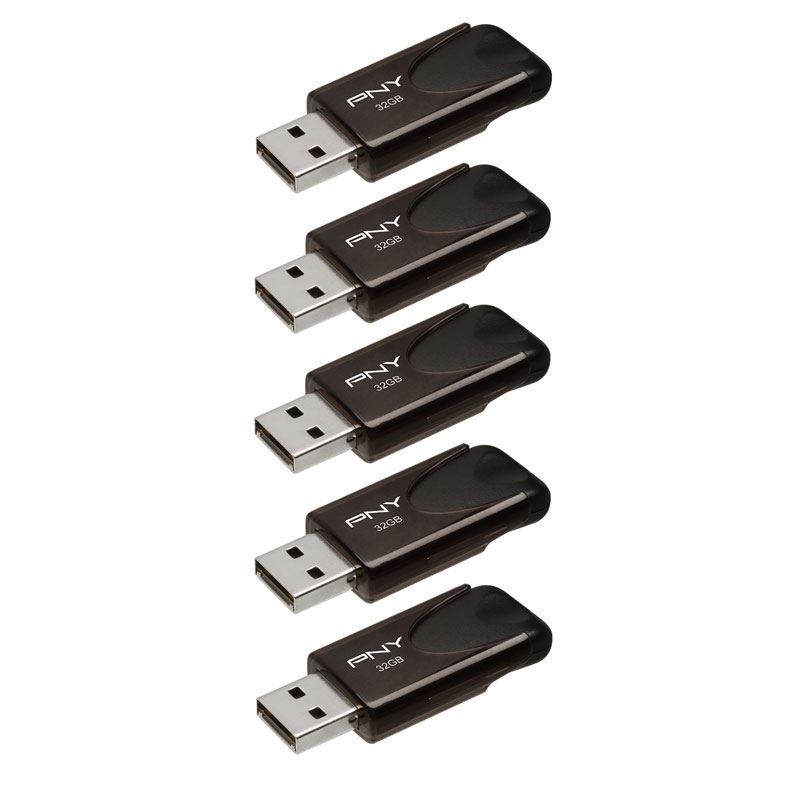
32GB each · USB-A · USB 2.0. A practical comparison for documents and occasional sharing. I would pass if the plan involves repeatedly filling all five drives with videos. That is five opportunities to make tea while waiting.
Compare this five-pack on Amazon →
4. PNY Attaché 4 NEO 16GB 5 pack
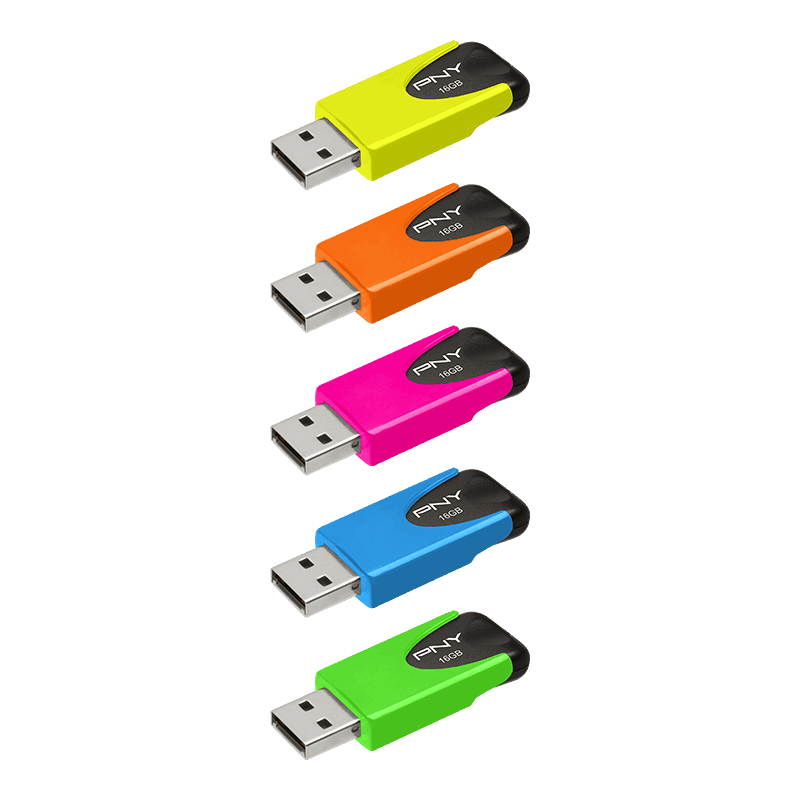
16GB each · USB-A · USB 2.0. The color-coded option for small school, workshop, or family projects. Lovely for keeping people organized; less lovely for a growing pile of high-resolution video.
Compare this five-pack on Amazon →
5. TOPESEL 32GB USB 2.0 5 pack mixed colors
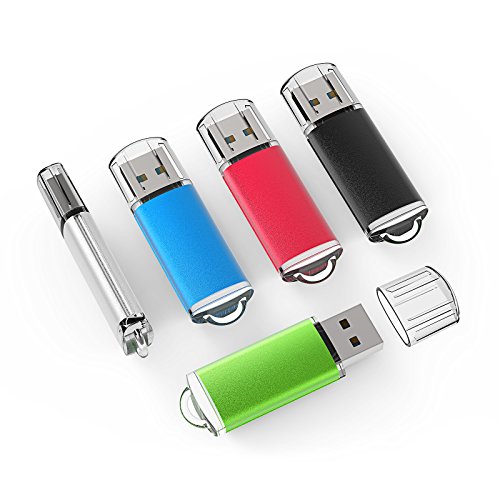
32GB each · USB-A · USB 2.0. Worth comparing for inexpensive, color-coded handouts. I would test every stick before an event and keep the master files elsewhere. A bargain is only a bargain if the recipient can open the folder.
Compare this five-pack on Amazon →
Compare price per drive and usable space per recipient. A hypothetical $25 five-pack is $5 a drive; a $40 ten-pack is $4 a drive. Those are examples, not live prices. If only two people need files, buying ten because each is cheaper is how the junk drawer gets venture funding. Compare 10-packs on Amazon.
Why buy 5 or 10 flash drives? The uses people forget
A family-history time capsule. Give relatives copies of scanned recipes, old photos, and recordings of family stories. One folder per household beats “I thought Aunt Linda had the only copy.” Keep your master backup separately.
A home inventory before a storm. Store dated photos of belongings, receipts, and serial numbers. Keep a second encrypted copy elsewhere so the backup does not live in the same drawer as the disaster.
Offline event handoffs. Give wedding vendors, reunion organizers, or a school production team their specific files. Separate drives help keep the florist’s slideshow from becoming the DJ’s accidental opening act.
A maker or vendor-market kit. Put product photos, a price sheet, printable signage, and instructions on a drive for a helper. Internet failure should not turn your booth into an interpretive dance about missing files.
Preserve the boring originals. Keep an untouched copy of scans or raw footage on one drive and editing copies on another. Clearly label them; a label prevents more confusion than a suspiciously confident filename.
An offline lesson or workshop. Distribute permitted PDFs, templates, or video lessons where Wi-Fi is unreliable. Confirm the recipients have compatible devices before presenting five USB sticks to a room full of phones.
A dedicated computer recovery drive. Reserve a stick for supported recovery or installation media and follow the operating-system instructions. Creating that media can erase the drive, so it should not share custody with vacation photos.
Separate people, separate folders, separate drives. Family, school, and business handoffs stay simpler. For sensitive information, use appropriate encryption and permission; color coding is organization, not security.
Shop a 10-pack for separate projects · Shop a labeled-drive organizer.
How many GB do you need for high-resolution photos?
“High resolution” describes pixel detail; storage depends on file size. A compressed JPEG, a HEIC image, and a RAW photo with similar dimensions can consume very different amounts of space. The following are planning scenarios, not promises about every camera.
I use 90% of the labeled capacity as a conservative planning budget to allow for formatting, overhead, and spare room; this is a planning choice, not a claim that formatting always consumes 10%. Photo assumptions are 5MB, 10MB, and 30MB per file, using decimal GB/MB. Each column assumes the drive contains only that photo type; the columns cannot be added together.
| Capacity / Amazon | 5MB photos | 10MB photos |
|---|---|---|
| 16GB | 2,880 | 1,440 |
| 32GB | 5,760 | 2,880 |
| 64GB | 11,520 | 5,760 |
| 128GB | 23,040 | 11,520 |
| 256GB | 46,080 | 23,040 |
| 512GB | 92,160 | 46,080 |
| 1TB | 180,000 | 90,000 |
| Capacity | 30MB RAW scenario | Who I would size it for |
|---|---|---|
| 16GB | 480 | Small sharing jobs |
| 32GB | 960 | A modest photo handoff |
| 64GB | 1,920 | Several thousand large JPEGs |
| 128GB | 3,840 | A larger family-photo folder |
| 256GB | 7,680 | Growing photo/video collection |
| 512GB | 15,360 | Large batches of media |
| 1TB | 30,000 | Very large collection; compare an SSD too |
A 64GB flash drive holds about 11,520 photos at 5MB each, 5,760 at 10MB each, or 1,920 at 30MB each under this 90% planning model. If somebody promises one giant photo count without telling you the file size, the number is wearing a tiny marketing mustache.
Do your own count: planned storage in MB ÷ average photo size in MB. For 64GB at 90%, that is 57,600MB ÷ 10MB = 5,760 photos. Check the size of a representative photo folder instead of guessing from megapixels. Compare 128GB photo-storage drives.
How much video fits on a flash drive?
Video resolution alone does not answer this. Codec, frame rate, bitrate, and audio change file size. Below are three illustrative total bitrate scenarios: 20 Mbps for a compressed Full HD example, 60 Mbps for a compressed 4K example, and 100 Mbps for a larger 4K example. Your recordings may fall outside them.
| Capacity / Amazon | 20 Mbps video | 60 Mbps video |
|---|---|---|
| 16GB | 1h 36m | 0h 32m |
| 32GB | 3h 12m | 1h 04m |
| 64GB | 6h 24m | 2h 08m |
| 128GB | 12h 48m | 4h 16m |
| 256GB | 25h 36m | 8h 32m |
| 512GB | 51h 12m | 17h 04m |
| 1TB | 100h 00m | 33h 20m |
| Capacity | 100 Mbps video |
|---|---|
| 16GB | 0h 19m |
| 32GB | 0h 38m |
| 64GB | 1h 16m |
| 128GB | 2h 33m |
| 256GB | 5h 07m |
| 512GB | 10h 14m |
| 1TB | 20h 00m |
At 64GB, plan for about 6h 24m at 20 Mbps, 2h 08m at 60 Mbps, or 1h 16m at 100 Mbps. That is the same drive, three very different workloads. Higher bitrate brings a bigger storage appetite; it does not politely ask permission.
Calculation: hours = capacity in GB × 0.90 × 8,000 ÷ total Mbps ÷ 3,600. Mixed photos and videos share the same space. For a 50GB folder, a 64GB drive is a tight fit; I would compare 128GB to leave useful room. Compare 256GB drives for video.
USB jargon, translated before it starts charging rent
GB: how much fits. MB/s: how fast bytes move. Mbps: megabits per second, often used for video bitrate. Eight bits equal one byte. The lowercase b has the audacity to change the math.
Read speed moves files from the drive to the computer. Write speed saves them onto the drive. “Up to 400 MB/s” read does not mean “your 40GB folder will save in 100 seconds.” Small files, heat, the source disk, the host port, and the drive’s write performance can slow things down.
USB-A is the familiar rectangular connector. USB-C is the smaller reversible one. Connector shape does not guarantee speed. USB 3.0, USB 3.1 Gen 1, and USB 3.2 Gen 1 naming can describe the same 5Gbps interface class; that bus rating is not the flash drive’s guaranteed speed.
Why does a big video say “file too large”?
A FAT32-formatted drive has a maximum single-file size of 4GiB minus one byte, even if plenty of space remains. A compatible exFAT format can handle larger files and is often practical for modern Windows/Mac file sharing. Check your phone, TV, or car’s supported formats first. Formatting erases existing files, so copy them elsewhere before changing it.
Best flash drive for Android, iPhone, Mac, or a car?
For an Android phone: confirm USB storage/OTG support and use a compatible USB-C drive or adapter. On a supported Samsung phone, an ordinary compatible drive may be accessible through the file manager; it does not automatically back up the gallery just because it is plugged in. Compare a dual-connector Android option.
For a USB-C iPhone or iPad: check external-drive support, file format, power needs, and the Files app workflow. A Lightning iPhone needs a compatible Lightning accessory or supported adapter setup; a USB-C stick cannot become a Lightning connector through determination. See Lightning-compatible options.
For Mac and Windows: check both the physical ports and filesystem compatibility. For a car stereo or TV: check the manual’s capacity limit, file formats, folder rules, and USB requirements. A drive can connect physically while the device declines to read it with the confidence of a nightclub bouncer. Compare a compact USB-A drive.
64GB vs 128GB: which flash drive should I buy?
Measure the folder first. In the charts above, 64GB gives you a 57.6GB planning budget; 128GB gives you 115.2GB. If your folder is already around 50GB, I would compare 128GB so the next batch of photos does not immediately send you shopping again. Compare 64GB and 128GB drives on Amazon.
Is a thumb drive the same thing as a flash drive?
For this kind of USB storage, “thumb drive,” “USB stick,” “jump drive,” and “flash drive” usually mean the same thing. “Memory stick” can also describe other storage products, so search with the connector and capacity: 128GB USB-C flash drive for photos is much more useful than simply memory. Even Amazon needs a little direction.
My dependable-drive rule
I would buy from a credible seller, check the exact model and return terms, then copy nonessential test files onto the new drive and reopen them on the receiving device. Before trusting a large batch, verify the transfer. Keep another copy of important photos and documents somewhere independent. A flash drive is portable storage; it is not an immortality contract for your files.
For frequent editing or much larger transfers, also compare a portable SSD. And no, five sticks sitting in the same bag are not five independent disaster-proof backups. Compare portable SSD alternatives.
Honey, Be Honest: what I would put in the cart
For everyday USB-A files, I would start with the Ultra Flair 128GB. For moving photos between compatible USB-C and USB-A devices, I would pick the Dual Drive Go. For five people who each need a photo folder, I would compare the PNY Turbo Attaché 3 64GB five-pack.
Then I would label the drive, reopen a few copied files, and keep the originals backed up. Not glamorous. Extremely useful. I have enough suspense in my life without asking a tiny rectangle to hold the season finale.
Sources, methodology, and disclosures
Research and selection: Updated October 6, 2026. This is a research-based comparison of ten flash drives and five multipack configurations, not a verified list of Amazon’s current top sellers. Amazon rankings, prices, stock, sellers, and available pack sizes change. Check the exact model and listing before ordering.
Manufacturer and technical references: SanDisk Ultra Flair · SanDisk Dual Drive Go · SanDisk Ultra Fit · SanDisk Extreme PRO · SanDisk Cruzer Glide · Samsung BAR Plus datasheet · Samsung Type-C · Samsung FIT Plus · PNY Turbo Attaché 3 · Kingston Exodia · PNY Attaché 4 · PNY NEO · TOPESEL · Microsoft filesystem comparison.
Capacity charts are calculated examples using decimal units, a 90% planning allowance, and the stated file-size/bitrate assumptions. They are not benchmarks. Performance figures are advertised manufacturer maxima for the referenced versions; actual performance varies. Recommendations are research-based, not a claim of hands-on testing or ownership. The opening story is an imagined scenario, not a reported purchase experience.
Product photographs identify the product families; pictured capacities, colors, and bundle quantities may differ from the recommended shopping configuration. Sources: SanDisk, Samsung, PNY, Kingston, TOPESEL, and Samsung’s BAR Plus product image. The cover is an original AI-generated HBH illustration, not a photograph of a tested product.
Affiliate disclosure: As an Amazon Associate I earn from qualifying purchases. Amazon shopping links in this article use Honey Be Honest’s affiliate tag. I may earn a commission at no extra cost to you. Links open Amazon searches so you can select the exact model, capacity, and pack; results may include other products. Prices, availability, and sellers can change.


Leave a comment