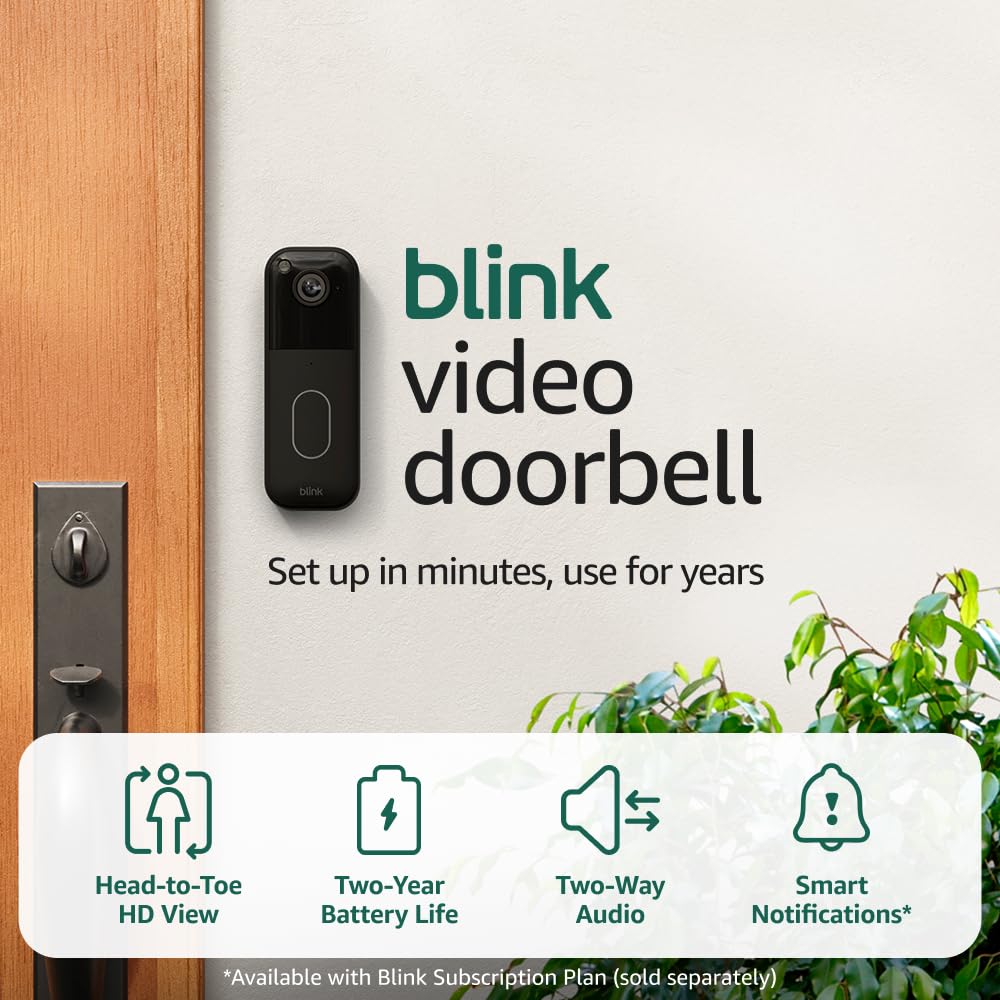
Honey’s pick: Blink Video Doorbell (2nd Gen) if you want battery installation and the option to save motion clips without a monthly plan. Ring Video Doorbell Wired makes more sense if you already use Ring and have compatible wiring.
The catch is the little box in the bundle. The linked Blink kit includes Sync Module Core. It connects the doorbell, but it does not provide local storage. For that, budget for a compatible storage hub and drive. A bargain that needs another accessory is still a bargain only after you do the math.
Affiliate disclosure: As an Amazon Associate I earn from qualifying purchases. Shopping links may earn a commission. That does not change the recommendation.
| What matters | Blink Video Doorbell (2nd Gen) | Ring Video Doorbell Wired (2021) |
|---|---|---|
| Power | Three AA lithium batteries, even when connected to chime wiring | Requires compatible wired power; no battery option |
| Video | Up to 1440p, head-to-toe view | 1080p |
| Required hub | A Sync Module; linked bundle includes Core | No Blink-style hub |
| Save motion clips without a plan | Yes, with Sync Module 2 + USB or compatible XR + microSD | No standard no-plan recording option |
| Existing household chime | Can ring a compatible wired mechanical chime | Bypasses the existing chime; use a supported alternative |
| My reason to choose it | Battery installation and a local-storage route | Keep an existing Ring setup together |
Model details: Blink specifications, Blink FAQ, and Ring’s model-specific information. Check the installation requirements for your country.
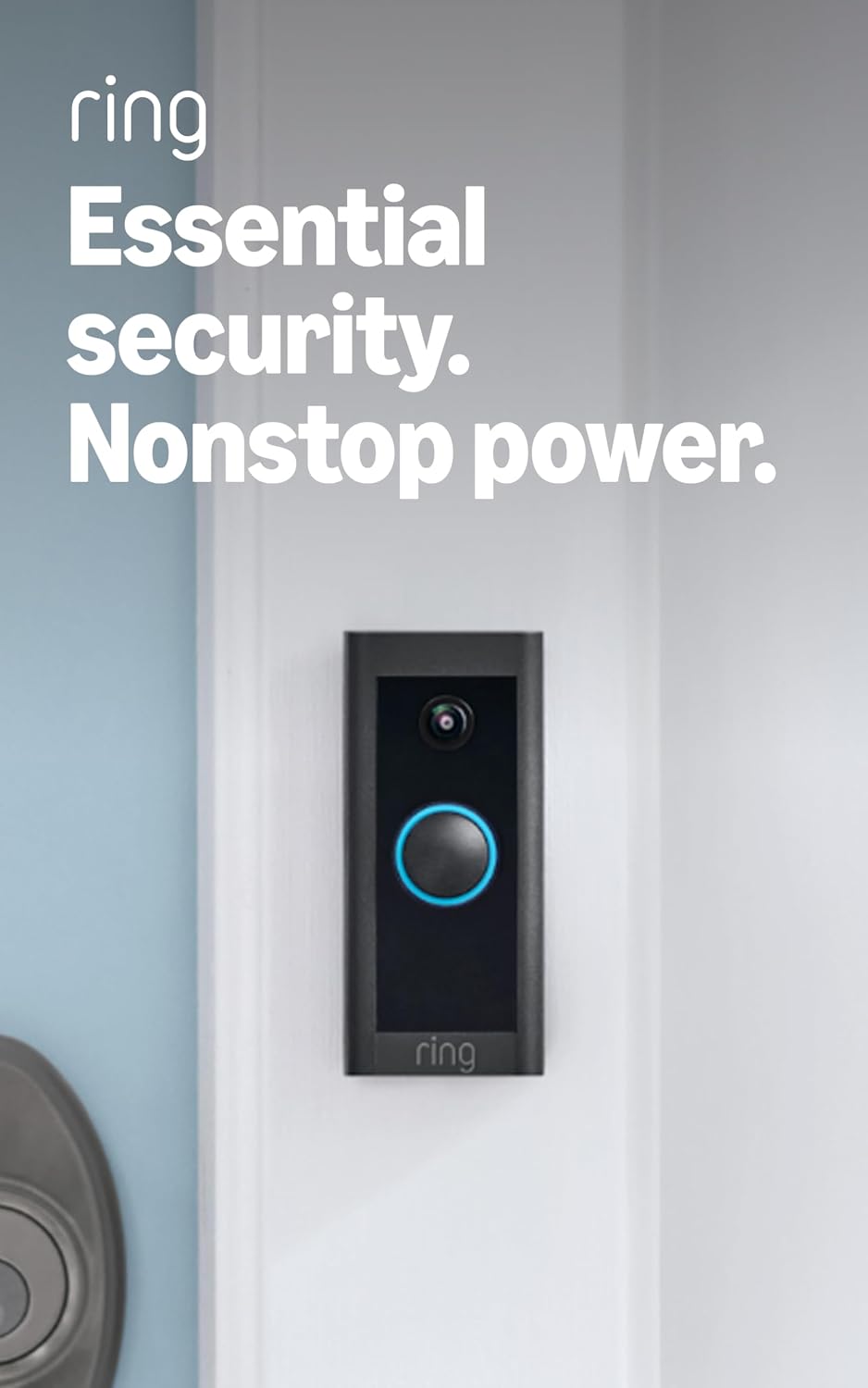
Blink Video Doorbell vs Ring Wired: start with the wiring
These are different kinds of purchase. Blink gives someone without usable doorbell wiring a battery route. Ring Wired is for a door that can supply compatible power. If an electrician has to create the installation point, the sticker price stops being the useful number.
Blink’s wired option also needs clarification: connecting this second-generation model to chime wiring does not eliminate its batteries. Ring Wired avoids that battery replacement chore, but the existing indoor chime will not sound through the usual installation. Decide how you will hear visitors indoors before you buy.
Can either doorbell record without a subscription?
Blink can, with the right hardware. The supplied doorbell-and-Core bundle is not a complete no-fee recording kit. If that is your goal, compare its total cost with a doorbell-only purchase plus Sync Module 2 and a compatible USB drive. Already own Module 2? Check compatibility before buying a redundant hub.
Ring lets you answer live and receive alerts without a plan, but saving and reviewing recordings requires a compatible subscription in the normal consumer setup. “I can see who is there now” and “I can check who was there yesterday” are different features. See Ring’s subscription explanation.
Which one would I buy?
For a first doorbell without usable wiring, I would lean Blink. For an established Ring household, keeping everything in the same app can be worth more than a small hardware discount. Neither choice earns an automatic win on image quality, alert speed, or battery endurance from this comparison; those need testing in the actual location.
My buying rule: add the doorbell, storage accessories, chime solution, installation, and any plan you expect to keep. That total is the price. The big number on the sale badge is just the opening sentence.
How this comparison was made: This is a research-based buying guide using manufacturer documentation and the linked product listings, checked September 8, 2026. It is not a hands-on performance test. Product photos are manufacturer/listing images, not photographs of Honey’s installation. Specifications, bundles, and subscription terms can change.
Love,
Honey
Related reading: Does Blink Work Without a Subscription? Local Storage Guide · Blink vs Ring Floodlight Camera · Blink vs eufy E340 Doorbell
 Honey, Be Honest
Leave a comment