VERDICT: Sources: CP1500 specifications, QX20 support, and IVY 2 specifications. Check the current app requirements against your actual phone before ordering.
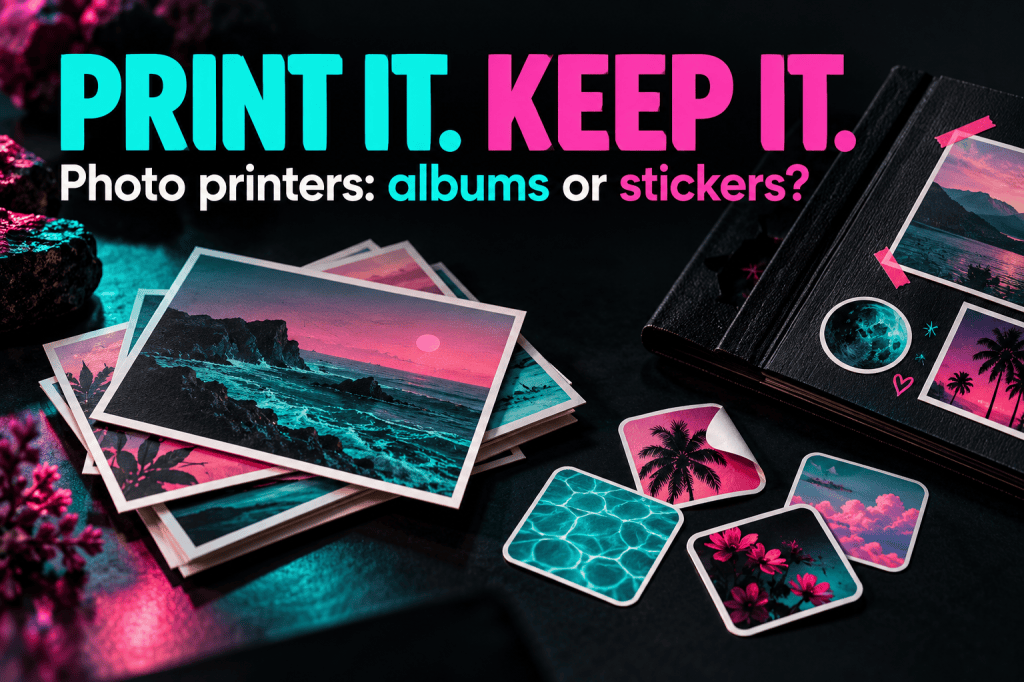
SELPHY CP1500: choose it for pictures you intend to keep in an album
The CP1500 is the sensible starting point if “photo printer” means a photograph for a frame, an album pocket, or an envelope to Grandma. Canon specifies dye-sublimation printing and postcard-size output, plus smaller compatible formats. Its 3.5-inch screen and supported card/USB/Wi-Fi routes also make it less dependent on one particular phone workflow. Canon CP1500
The practical advantage is not bragging rights over the smaller printers. It is having a print that suits an ordinary photo project. Start with the frame or album you already own and check its opening. “Portable” describes the machine; it does not tell you whether the paper fits your plans.
The catch: a compatible optional battery is an extra purchase if you need to print away from an outlet. Canon’s cited Irish kit lists a postcard/L-size cassette and sells the card-size cassette separately; box contents vary by region and bundle, so check the exact US package. A bundle that looks like a bargain may be adding consumables or accessories you never wanted. Canon’s CP1500 kit and optional-battery explanation
Buy it if you will regularly make physical album prints at a table. Skip it if your real goal is decorating a pocket journal at a café. That would be packing the bigger tool for the smaller job, and your bag already has enough nonsense in it.
SELPHY QX20: the scrapbook choice, with a paper-size detail worth noticing
The QX20 uses dye-sublimation with compatible ink-and-label sets. It supports square-format XS-20L stickers and card-format XC-20L/XC-60L supplies. It connects to the SELPHY Photo Layout app over direct Wi-Fi and has a built-in rechargeable battery. Canon lists the USB-C connection as charging-only and does not include a power adapter. Canon QX20 support
That is a useful combination for a guest book, little thank-you cards or a travel scrapbook. Decide the page layout first. Leave room for the writing, dates and other details that make a keepsake yours; the printer does not need to fill every inch to earn its place.
The catch: “square-format” does not mean the entire physical sheet is square. The manual lists XS-20L paper at 72 × 85 mm, while card-size paper is 54 × 85 mm. Printable layout and borders are a separate question. Canon also says finished prints must be removed individually; this is not an unattended photo-stack machine. QX20 manual
Buy it when those small sticker formats are the attraction. Skip it when a 4-by-6-class album print is the requirement. No amount of adorable stationery changes the size of an album pocket.
IVY 2: a little sticker printer, not a shrunken office printer
The IVY 2 uses ZINK paper with the image-forming material built into the sheets, so it does not take a separate ink cartridge. Canon specifies Bluetooth through its Mini Print app, a built-in battery, and 2-by-3-inch maximum paper. It is not Wi-Fi capable and does not accept memory cards. Canon IVY 2
This is the straightforward fit for planners, casual collages and small decorative prints. Think about how close someone will hold the picture: a little sticker beside a journal entry is a different assignment from a family group photograph on a shelf. Choose a few meaningful pictures instead of assuming every photograph in your camera roll needs printing.
The catch: “zero ink” means no separate ink cartridge, not free printing. You still buy the correct specialty paper. SELPHY supplies do not become interchangeable just because all three boxes say Canon. Nor does a printed sticker replace the original digital file.
Buy it for the small format on purpose. Skip it if you want larger portraits, SD-card printing or a device that does not depend on a phone app. Little can be exactly right; it just should not arrive as a surprise.
Graph: how much physical paper do you get?
CP1500 postcard: 148 square centimetres
QX20 XS-20L: 61.2 square centimetres
IVY 2: 38.7096 square centimetres
Common scale: 0–160 square centimetres. Manufacturer specifications, not HBH test results. See the cited manufacturer sources and limitations in this comparison.
This compares physical paper area, not image quality, printable image area or cost. CP1500 postcard stock is 100 × 148 mm; QX20 XS-20L stock is 72 × 85 mm; IVY 2 stock is 2 × 3 inches, converted using 25.4 mm per inch. Multiplying each sheet’s dimensions gives 148, 61.2 and approximately 38.7 cm². QX20’s alternative card-format sheet is not the one graphed. Sources: Canon CP1500 media dimensions, QX20 manual, IVY 2 specifications; checked October 4, 2026.
The practical takeaway: draw the paper sizes on scrap paper before buying. Put those rectangles in the actual album or journal. A five-minute size check can settle this purchase faster than another hour of looking at printer colors.
Compare the refill basket, not just the printer
At checkout, compare the exact printer, compatible supplies, needed power accessories, shipping and return terms. Count the usable prints in a refill package and divide the delivered refill price by that count. For SELPHY, use the matched ink/paper set; for IVY, use the compatible ZINK paper. Do not compare a machine-only offer with somebody else’s giant gift bundle and call the difference a discount.
Printing occasionally? Pick a realistic first project and buy enough supplies for that project. Printing hundreds of vacation photographs? Compare a photo-lab order too. Convenience has value, but you do not need to become a miniature print shop to enjoy your own pictures.
Quick answers before you buy
Which one prints bigger photographs? Of these three, the CP1500 supports the postcard-size output described above. Check the required cassette and consumables for other formats rather than assuming everything comes in the box.
Will a USB-C cable print from my computer? Not on the QX20: Canon identifies that port as charging-only. The CP1500 supports USB printing but not USB charging. A matching plug is not a matching feature.
Which has the best picture quality? This comparison does not establish a measured quality winner. Output size, paper system and workflow are verified differences; color accuracy and real-world longevity would require appropriate testing. Do not treat unlike DPI figures as a simple ranking across different printing technologies.
Should I keep the digital originals? Absolutely. A physical print is another way to enjoy a photograph, not a backup plan. my Amazon Photos, Google Photos and iCloud+ comparison addresses that separate job. If you want rotating photographs without refills, consider the Aura digital-frame comparison instead.
Honey’s buying rule: CP1500 for the album, QX20 for a small keepsake project, IVY 2 for little sticky moments. Buy the output you want—not the cute machine you hope will magically make a different output.
Shop the comparison
Here’s the quick comparison before I get into the weeds.
Quick Comparison
| Option | Best for | Watch this | Amazon |
|---|---|---|---|
| Canon SELPHY CP1500 | Album-size keepsake prints | Compare paper/ink refill cost with how often I print. | Check on Amazon |
| Canon SELPHY QX20 | Scrapbooks and portable dye-sub prints | Paper size is part of the creative workflow. | Check on Amazon |
| Canon IVY 2 | Small sticky-backed ZINK prints | Tiny sticker prints are a different job from album photos. | Check on Amazon |
Honey, Be Honest: Why I Went Looking
I went looking because my phone can hold ten thousand photos while my walls somehow display the same three people from 2019. A tiny printer starts looking very reasonable right up until I realize “photo printer” can mean album print, scrapbook square or sticker the size of a snack cracker.
Affiliate disclosure: Some links in this post may be affiliate links. If you buy through one of them, I may earn a commission at no extra cost to you.


Leave a Reply