
Honey’s verdict
For a home upgrade that prioritizes faster wired connections and the 6 GHz band, eero Pro 7 earns Amazing on my feature shortlist. eero 7 earns Good for a practical Wi-Fi 7 upgrade with 2.5 Gigabit ports. eero 6+ is Mid for that upgrade brief, but still worth considering for a gigabit-or-slower plan when the price difference is meaningful.
How I chose: I checked manufacturer documentation, exact Amazon listings and press photos on September 10, 2026. This is a researched comparison of white three-router kits without a bundled eero Plus subscription. I have not speed-tested these systems in a home.
As an Amazon Associate I earn from qualifying purchases. Affiliate links may earn me a commission at no extra cost to you.
The eero Pro 7 vs eero 7 vs eero 6+ decision starts with your internet plan, your devices and the rooms where the connection struggles. If the Wi-Fi disappears in the back bedroom, buying the biggest number on a box is an expensive way to guess. Here is what you actually get when you move up this lineup.
| Three-pack | Wi-Fi bands | Ports per router |
|---|---|---|
| eero Pro 7 Amazing | Wi-Fi 7 2.4, 5 and 6 GHz | Two 5 GbE |
| eero 7 Good | Wi-Fi 7 2.4 and 5 GHz | Two 2.5 GbE |
| eero 6+ Mid | Wi-Fi 6 2.4 and 5 GHz | Two Gigabit |
GbE refers to the Ethernet port’s connection rate, not a promised Wi-Fi speed. One port on the main router connects to your modem or fiber ONT. That leaves one for another wired connection; connecting several devices may mean adding a suitable network switch.
Amazing: eero Pro 7 when you can use the extra hardware

Pro 7 is the only system here with a 6 GHz radio. It also gives you two 5 Gigabit Ethernet ports per router. Those are concrete reasons to consider it if you have a multi-gig internet plan, compatible devices and a reason to move substantial data around the house.
A phone or laptop needs 6 GHz support to connect on that band. Older devices can still use the other bands, but buying this router does not upgrade the radio inside them. eero also supports Wi-Fi 7 features such as multi-link operation; the benefit depends on compatible devices and the network.
My hesitation is paying for capacity that your household will barely touch. A modest internet plan and a few streaming devices do not automatically justify this upgrade. I would choose Pro 7 for a specific need for its band or ports, rather than treating “Pro” as a promise that every room will suddenly be fast.
Check the eero Pro 7 three-pack on Amazon
Good: eero 7 for useful ports without the Pro jump

The standard eero 7 has two 2.5 Gigabit Ethernet ports and supports Wi-Fi 7, but it uses only the 2.4 and 5 GHz bands. That distinction is easy to miss: Wi-Fi 7 on the label does not guarantee a 6 GHz radio.
This would be my starting point when replacing an older system and wanting wired connections faster than Gigabit, while keeping the purchase below the Pro tier. Check the current three-pack offers; the value depends on the actual gap, not the order of the model names.
Skip it if 6 GHz is the reason you are shopping. It cannot supply that band. Also, a faster Ethernet port does not mean every wireless device gets the same speed. Your service, device capabilities, placement and interference still matter.
Check the eero 7 three-pack on Amazon
Mid: eero 6+ for this upgrade brief, sensible on a smaller budget
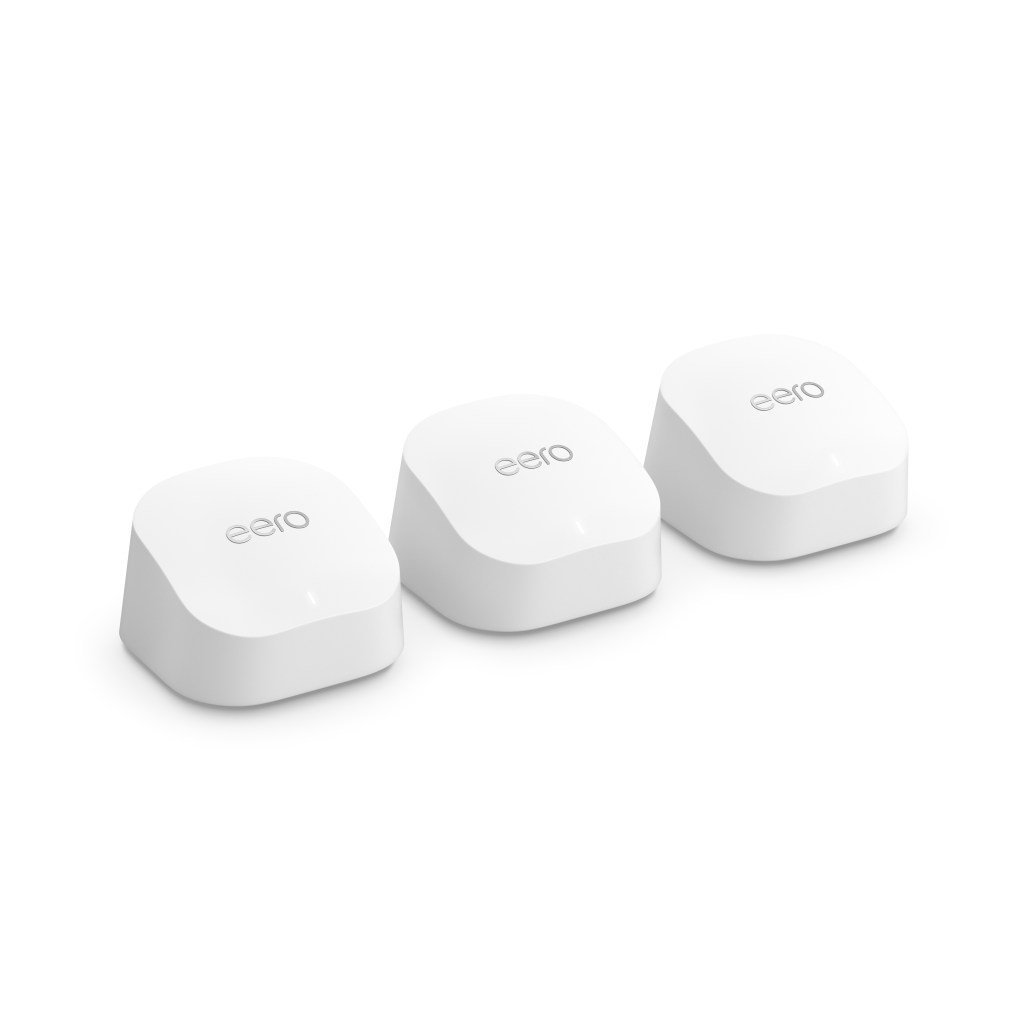
eero 6+ uses dual-band Wi-Fi 6, supports 160 MHz channels and has two Gigabit Ethernet ports per router. It is aimed at internet plans up to a gigabit. The plus sign matters: this is eero 6+, not the older eero 6.
Its limitation is straightforward. Gigabit ports leave no room for a faster wired link if you move to a multi-gig plan. That makes it my third choice for an upgrade built around newer networking features.
For a household staying below that level, it can still make sense. I would compare the savings against eero 7 before deciding. If they are close in price, the newer model’s faster ports are a useful reason to move up; if the savings are substantial and you will not use those ports, keep the money.
Check the eero 6+ three-pack on Amazon
Do you need all three routers?
Not necessarily. These links compare equivalent three-packs, but the right number depends on your layout. Advertised coverage is an estimate, not a guarantee through your walls. Start with where you can put the units and whether you can connect them by Ethernet.
eero’s setup guide recommends placing an additional unit between an existing router and a dead spot, rather than burying it in the weakest corner. Keep the units out of cabinets and away from large electronics. Ethernet backhaul means wiring the routers together; all three models have ports that support that option.
If your upgrade is meant to support a television setup, our Roku and Fire TV stick comparison helps with the streaming-device decision. A new streaming stick still needs a reliable connection.
Does eero require a monthly subscription?
eero Plus is optional. The paid service adds features such as advanced security, ad blocking and parental controls. Compare those features with what you actually need before accepting a trial or subscription bundle. The three listings linked here are the versions without bundled eero Plus.
You still need internet service and a supported phone or tablet running the eero app for setup. eero connects to your modem or fiber ONT; it does not replace the internet connection coming into your home. Check your provider’s setup requirements before disconnecting its equipment.
Sources
Manufacturer references: eero Pro 7 hardware guide, eero 7 features, eero 6+ official listing and technical details, eero’s Wi-Fi 7 launch specifications, eero setup and placement guide, and the manufacturer media room. Prices, offers and subscription features can change.
Love, Honey
 Honey, Be Honest
Leave a comment