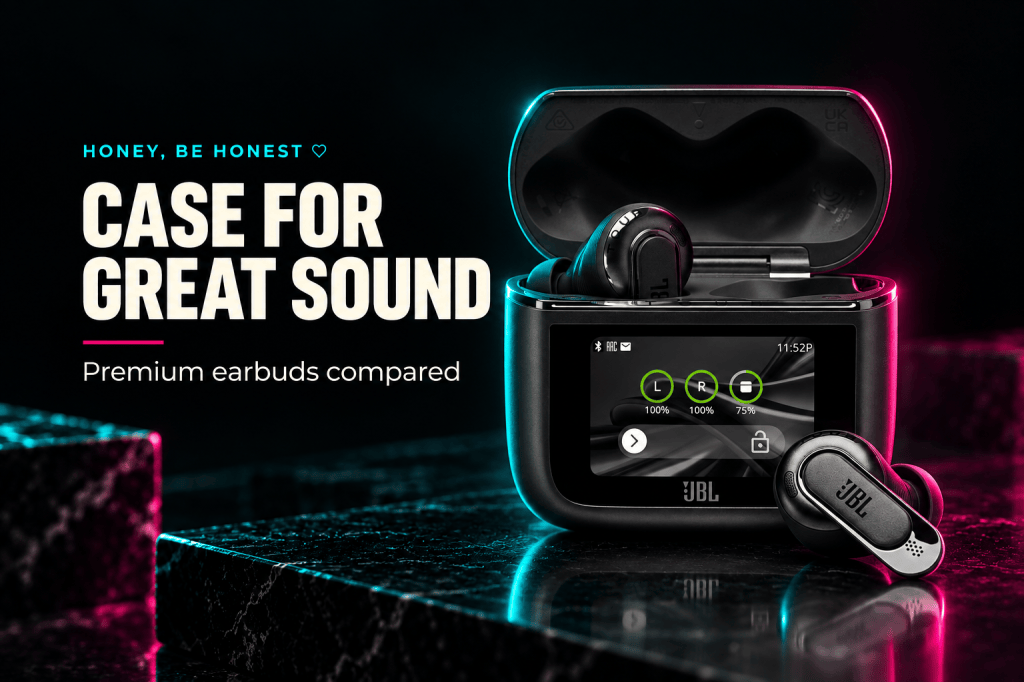
Honey’s quick take
Amazing for travel connections: JBL Tour Pro 3 — the case can transmit audio from an AUX or USB-C source.
Good for touchscreen controls: JBL Live Beam 3 — a case screen for everyday adjustments, without making the transmitter the reason to buy.
Mid for case extras: JBL Tune Buds 2 — a simpler case and stemless earbuds, with useful features still inside.
How this comparison was made: This is a research-based buying guide using current JBL documentation and the exact Amazon listings, checked September 10, 2026. We haven’t tested these earbuds ourselves. Amazing, Good and Mid describe the use cases below, not measured sound-quality scores.
Affiliate disclosure: As an Amazon Associate I earn from qualifying purchases. If you buy through our links, Honey Be Honest may earn a commission at no extra cost to you.
The JBL Tour Pro 3 vs JBL Live Beam 3 vs JBL Tune Buds 2 decision starts with a surprisingly practical question: what do you want the charging case to do? Recharge your earbuds, give you controls, or help you listen to something that doesn’t connect directly to them?
A little screen is cute. A little screen that solves an actual annoyance is worth a closer look. Here’s where these three pairs separate, and where I’d keep my money in my pocket.
Three JBL earbuds, three different reasons to buy
| Black model | Main appeal | Think twice if… |
|---|---|---|
| JBL Tour Pro 3 | Touchscreen case plus wired-source audio transmission | Your phone is almost always your only audio source |
| JBL Live Beam 3 | Touchscreen controls and wireless case charging | Your case usually stays buried in a bag |
| JBL Tune Buds 2 | Stemless fit, adaptive ANC and multipoint | You specifically want a case display |
JBL Tour Pro 3: Amazing when the case earns its keep
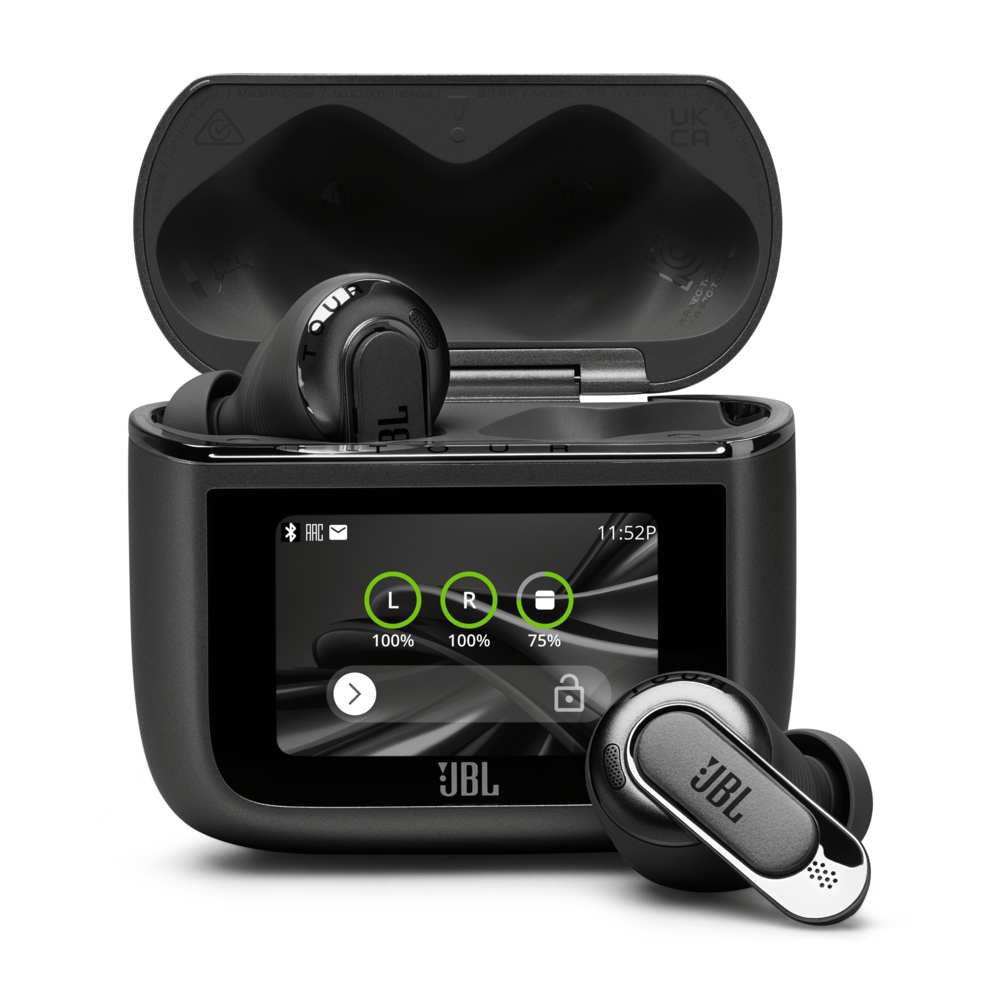
Tour’s strongest buying argument is its charging case. JBL specifies a 1.57-inch touchscreen and an audio-transmitter function that connects to an AUX or USB-C source with the included cables. That gives the case a job beyond showing a playlist.
Think about a seatback entertainment system or another source with a suitable audio output. The appeal is using your earbuds with that source through the case. Check the source’s connection before buying; the presence of a USB-C port on a device doesn’t automatically tell you what audio it sends.
This is where I’d consider the upgrade for a frequent traveler. If your listening is mostly podcasts from your phone while folding laundry, the extra connection may spend its life waiting for a trip you haven’t booked.
JBL also lists adaptive noise cancellation and wireless case charging. Those features are useful, but the spec list doesn’t prove Tour will fit your ears best or win a noisy phone call. Buy it for a feature you can name, not a longer list you feel obligated to want.
Check the black pair: View JBL Tour Pro 3 on Amazon.
JBL Live Beam 3: Good if you’ll actually use a case screen
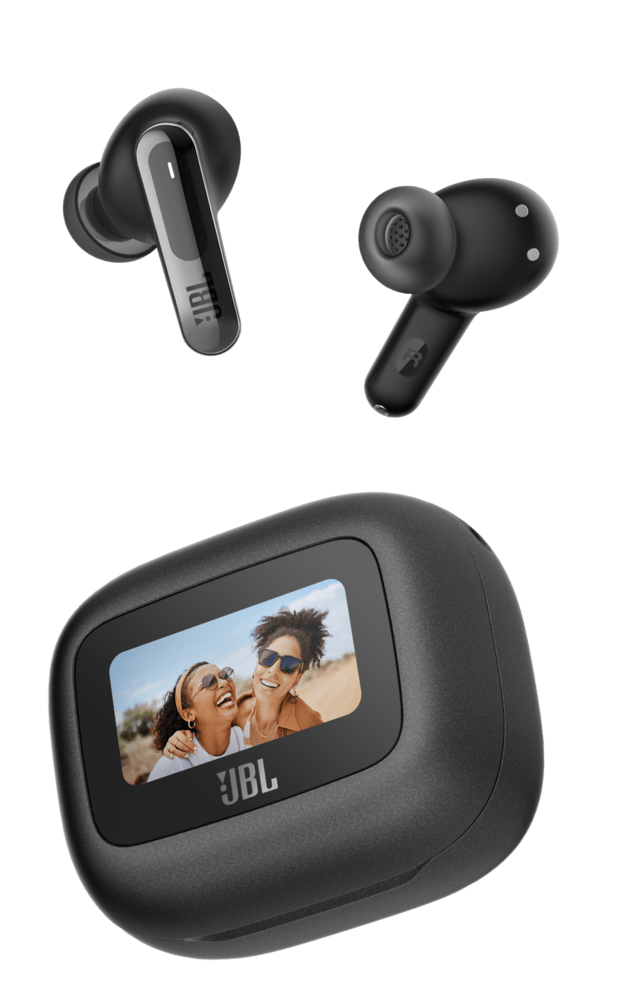
Live Beam 3 puts controls on a 1.45-inch touchscreen. JBL documents music controls, call management and sound adjustments from the case, plus wireless charging. It’s an appealing middle choice when you want fewer trips into your phone’s menus.
Picture the case sitting beside your laptop while you work. The controls are right there. Now picture the same case at the bottom of your purse. Suddenly the screen is less persuasive. That tiny detail about your routine matters more than a product photo making the display look irresistible.
The important distinction in this comparison is what JBL promises the case will do: Tour’s documentation specifically includes wired-source audio transmission; Live’s emphasizes controls. Don’t read “smart charging case” and assume the two have interchangeable functions.
Live Beam 3 has a closed-stick design with ear tips and adaptive noise cancellation. I’d put it on the shortlist for the controls, then compare the current price against Tour. A small price gap and a travel use case could change the decision; a larger gap could make Live more sensible.
Check the black pair: View JBL Live Beam 3 on Amazon.
JBL Tune Buds 2: Mid for extras, worth a look for the fit
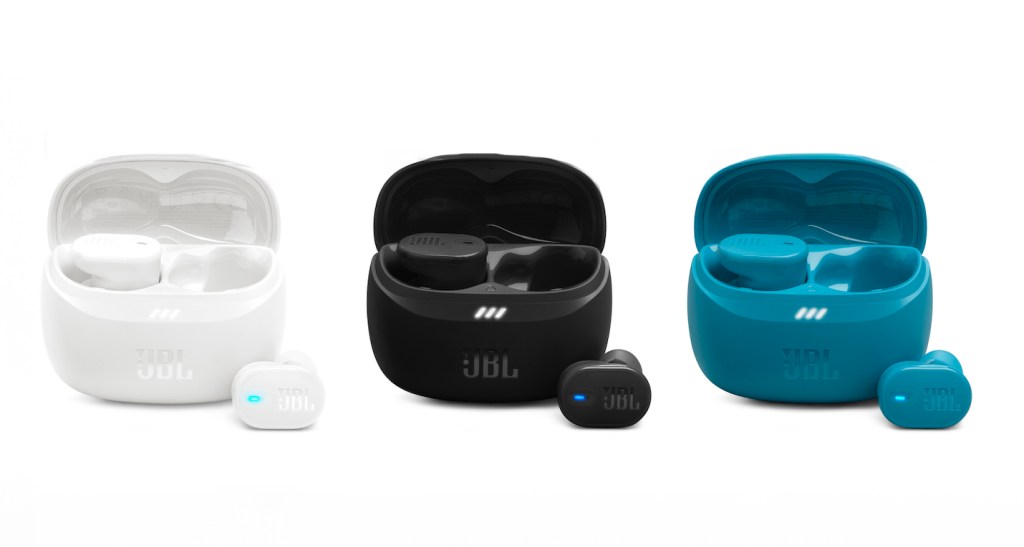
Tune Buds 2 trades the display-case presentation for a compact, stemless earbud shape. That makes it a meaningful alternative to the two stick-style choices. A different shape can be the reason to choose it, although comfort is personal and cannot be settled from a photo.
The simpler case doesn’t mean an empty feature list. JBL includes adaptive noise cancellation, multipoint connections and adjustment through the JBL Headphones app. If those cover your daily listening, paying for a screen may solve a problem you don’t have.
I’m calling it Mid specifically for case extras. It is not a claim that the sound is mediocre. The sensible reason to move up is wanting Tour’s transmitter or Live’s screen, not assuming a more elaborate case guarantees more comfortable earbuds.
The manufacturer photo shows three color options. Our Amazon link goes to one black pair, shown in the center; it isn’t a three-pair bundle.
Check the black pair: View JBL Tune Buds 2 on Amazon.
Do the battery totals mean one uninterrupted charge?
No. JBL’s advertised totals include recharging from the case, with noise cancellation off: up to 44 hours for Tour Pro 3, and up to 48 hours for both Live Beam 3 and Tune Buds 2. Their corresponding earbud-only claims are 11, 12 and 12 hours.
Those are manufacturer maximums, not results from an HBH battery test. ANC settings, volume and usage affect runtime. For a long flight or workday, compare the earbud-only figure under the settings you plan to use; the case’s remaining charge won’t refill the earbuds while they’re in your ears.
Which checks matter before you order?
Fit first. Each uses ear tips, and stemless versus stick-style is a real design difference. Check the exact seller’s return terms, then assess comfort and the seal early. Don’t spend the return window trying to convince your ears that a purchase was clever.
Check the actual model. Tune Buds 2, Tune Beam 2 and Vibe Beam 2 are different names. The links here identify the exact black models compared above. Confirm the selected color, condition and seller before checkout, since listings and offers can change.
Keep the software current. Use JBL’s app to check for updates. Tour Pro 3’s release notes include later changes, so an old launch review may describe earlier software.
For listening around the house without earbuds, see our Echo Studio, Dot Max and Dot speaker comparison.
Sources and photo credits
Specifications: JBL Tour Pro 3, JBL Live Beam 3 and JBL Tune Buds 2. Photos: JBL’s Tour Pro 3 press gallery, Live 3 press gallery and HARMAN’s Tune Buds 2 press release. Product names and shopping links throughout lead to Amazon affiliate listings.
Love, Honey
 Honey, Be Honest
Leave a comment